

AI for Knowledge Workers
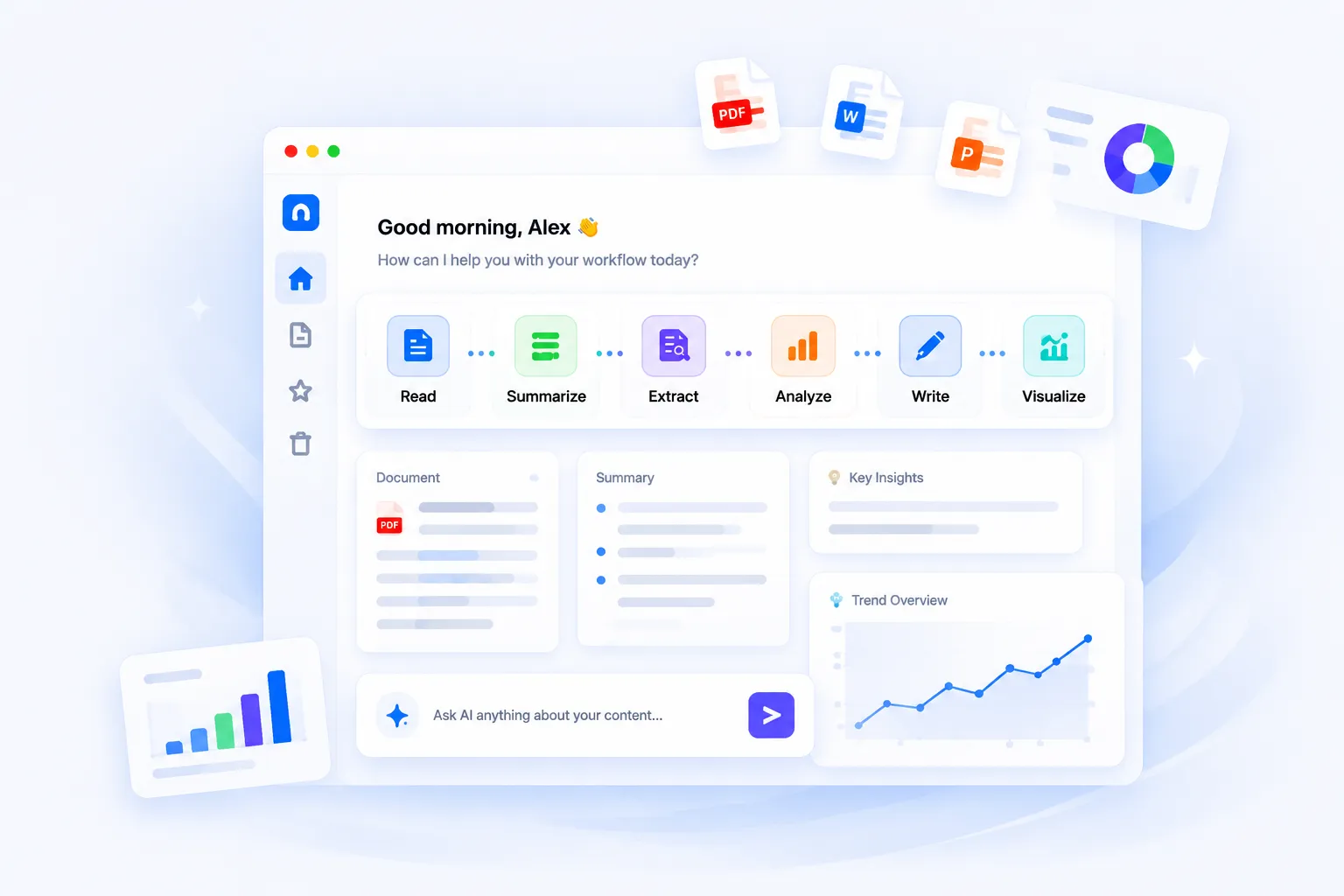
Reading documents, reviewing information, writing reports, organizing notes, and switching between tools takes time. iWeaver helps knowledge workers summarize, analyze, connect, and structure information in one workflow.
What Knowledge Workers Do Every Day
Information moves fast. Most work doesn’t. Knowledge workers spend a large part of the day reading, reviewing, organizing, and rewriting information across multiple formats.
Reviewing Documents
Contracts, research papers, meeting notes, PDFs, spreadsheets, proposals, reports, and presentations.
Summarizing Information
Extracting key points from long documents, videos, recordings, and internal knowledge bases.
Creating Deliverables
Writing reports, preparing presentations, drafting emails, generating meeting summaries, and creating structured notes.
Connecting Information
Comparing multiple sources, identifying patterns, linking insights, and organizing fragmented information into a clear workflow.
Managing Knowledge
Saving notes, building reusable references, and keeping information searchable for future work.
Common Bottlenecks
Most knowledge work is still repetitive manual work. Here is what’s holding you back.
Too Much Reading
Large documents and long-form content take hours to review manually.
Information Is Scattered
Files, notes, links, screenshots, recordings, and chats are spread across different tools.
Repetitive Writing
The same information is rewritten into reports, summaries, emails, and presentations repeatedly.
Difficult Knowledge Retrieval
Important insights are often buried inside old documents or disconnected notes.
Context Switching
Moving between summarizers, note apps, writing tools, and visualization tools slows down workflows.
Unstructured Outputs
Even after reviewing information, turning it into something actionable still requires significant manual effort.
How iWeaver Helps
From raw information to organized knowledge.
Upload Once, Work Continuously
Add PDFs, documents, webpages, videos, transcripts, images, or notes into a single workspace.
Summarize Faster
Generate concise summaries, highlights, decisions, action items, and key takeaways automatically.
Extract Structured Information
Pull out names, dates, risks, tasks, keywords, tables, or specific insights from large content sources.
Analyze Across Sources
Compare documents, identify trends, ask follow-up questions, and connect information across multiple files.
Create Deliverables
Generate reports, meeting notes, outlines, study materials, mind maps, and structured documents directly from source materials.
Build a Searchable Knowledge Base
Save outputs and organize information into reusable knowledge for future search and Q&A.
Workflows by Role
Different roles. Similar information challenges.
Researchers & Analysts
Review large volumes of reports, papers, and references while extracting insights faster.
Typical Workflow
Consultants
Turn client materials, presentations, and interviews into concise deliverables and executive summaries.
Typical Workflow
Legal & Compliance Teams
Review contracts, policies, and legal documents while extracting key clauses and risks.
Typical Workflow
Marketing & Content Teams
Transform research, transcripts, webinars, and articles into reusable content and reports.
Typical Workflow
Students & Educators
Simplify complex study materials and organize learning resources more efficiently.
Typical Workflow
Product Managers
Organize meeting notes, user feedback, PRDs, and research documents into structured workflows.
Typical Workflow
Used by professionals who work with information every day
“Reduced document review time by nearly 70%.”
Consulting teams use iWeaver to summarize client materials, meeting transcripts, and research reports faster.
“We stopped switching between five different tools.”
Product and operations teams use iWeaver to centralize summarizing, note-taking, and report creation workflows.
“Finding information became much easier.”
Researchers use searchable knowledge bases to retrieve past insights instantly instead of re-reading documents.
Common Use Cases
Popular agents for everyday knowledge work
Combine summarization, extraction, analysis, writing, visualization, and knowledge organization in one workspace.
AI Document Summarizer
Turn long PDFs, reports, and articles into concise summaries with key insights.
Explore →AI Mind Map Generator
Convert complex information into visual structures for easier understanding.
Explore →AI Report Generator
Create structured reports and summaries from source materials automatically.
Explore →AI Company Profile Generator
Generate professional and comprehensive company profiles from raw business data and sources instantly.
Explore →AI Workflow Assistant
Connect reading, analysis, writing, and organization into one continuous workflow.
Explore →AI for Knowledge Workers FAQ
What is AI for knowledge workers?
What types of files can iWeaver work with?
Can iWeaver summarize long documents?
Can iWeaver organize my notes and knowledge?
Who is iWeaver designed for?
Can iWeaver generate reports and mind maps?
Does iWeaver support multi-source analysis?
How is iWeaver different from standalone AI tools?
Work Smarter With Your Information
Stop spending hours reading, rewriting, and organizing information manually. Use iWeaver to turn scattered content into structured knowledge and actionable outputs.
Start Free with iWeaver