

Online Free AI Handwriting Recognition By iWeaver
Convert handwritten notes, images, and scanned documents into editable text instantly. Use iWeaver AI handwriting recognition to digitize notes, research papers, and documents online.
What Is AI Handwriting Recognition?
AI handwriting recognition converts handwritten text from images, PDFs, or scanned documents into editable digital text.
Instead of manually typing notes, AI analyzes handwriting patterns and extracts readable text automatically, preserving the essence of your physical notes in a digital format.
With iWeaver, handwriting recognition becomes part of a larger workflow. Once text is recognized, you can instantly organize it into summaries, notes, or mind maps inside your AI knowledge base.
Key Features of iWeaver AI Handwriting Recognition
Image OCR
Extract text from photos of handwritten notes, whiteboards, notebooks, and scanned documents with high accuracy.🖋️
Note Conversion
Turn messy handwritten notes into clean digital text that can be edited, copied, or organized instantly.🌍
Multi Language
Recognize handwriting across multiple languages and character styles for global users.🪄
Smart Formatting
Automatically structure recognized text into paragraphs and readable formats.🔄
Knowledge Sync
Send recognized text directly into your iWeaver AI knowledge base for summarization, mind maps, and research workflows.🔍
Searchable Archives
Make your handwritten history instantly searchable, allowing you to find specific keywords across years of physical journals and notes.
How to Use the Handwriting Recognition Tool
Upload Image
Upload a photo, scanned document, or handwritten page. iWeaver automatically detects handwritten content and prepares it for recognition.
AI Processing
iWeaver analyzes handwriting patterns and converts the content into structured digital text within seconds.
Export Notes
Export the converted text to your knowledge base, documents, or notes for editing, research, and sharing.
Why Choose iWeaver’s Free Handwriting Recognition?
AI Accuracy
Advanced handwriting recognition models analyze complex handwriting styles and convert them into clear digital text with high accuracy.
Workflow AI
iWeaver goes beyond OCR. Recognized text can instantly flow into summaries, mind maps, and knowledge workflows powered by AI agents.
Knowledge Hub
All recognized notes can be stored, organized, and searched inside your personal AI knowledge base.
Time-Saving
Skip the hassle of manual typing—let AI do the work for you.
Multi-Language Support
Supports multiple languages, making it versatile for global users.
Enhanced Productivity
Streamline your workflow by quickly digitizing handwritten content.
Use Cases for Handwriting Recognition
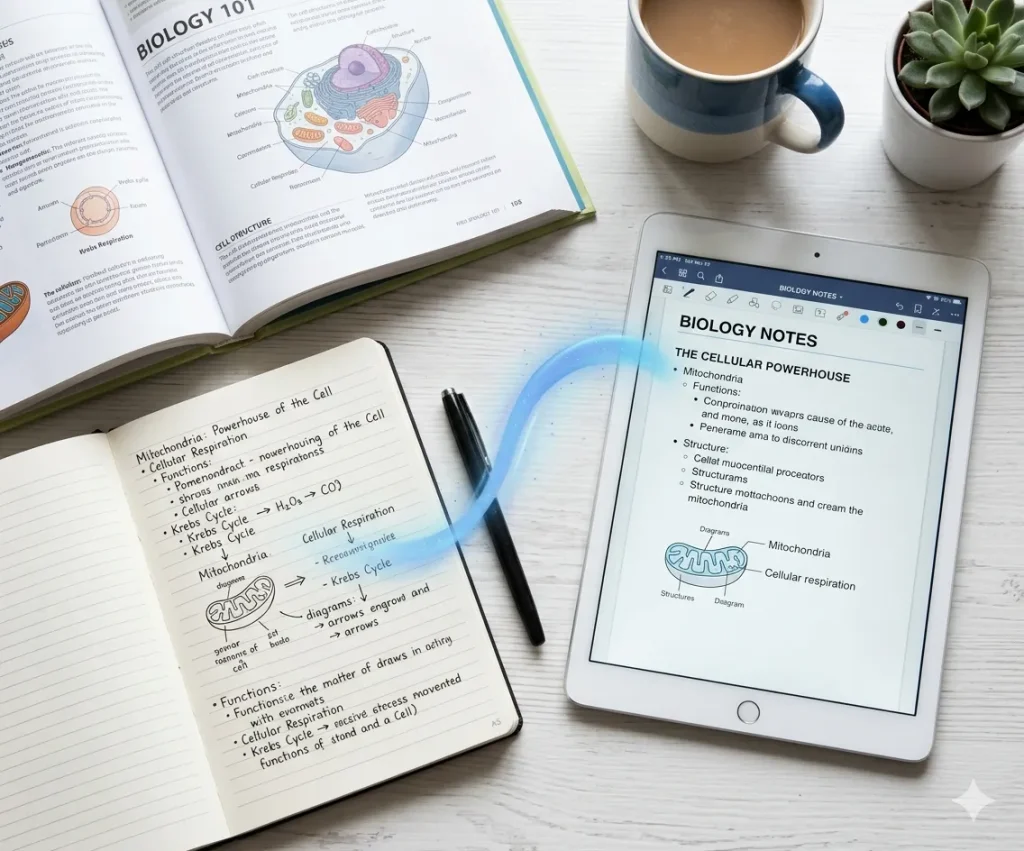
Study Notes
Students often take handwritten notes during lectures or while reading textbooks. AI handwriting recognition converts notebook pages into digital notes, making them searchable, editable, and easier to organize for exam preparation or knowledge review.
Convert Notes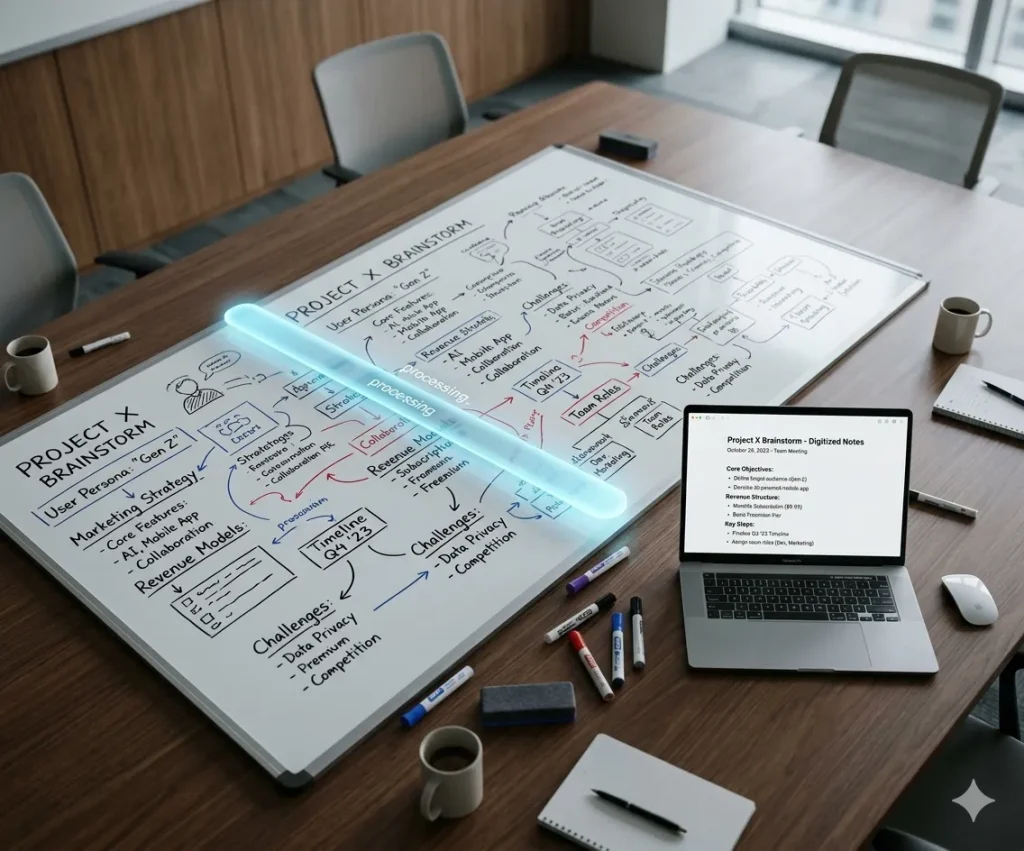
Meeting Notes
Professionals frequently jot down ideas and action items during meetings. AI handwriting recognition turns those handwritten notes into structured text so teams can quickly organize insights, track decisions, and document meeting outcomes.
Convert Now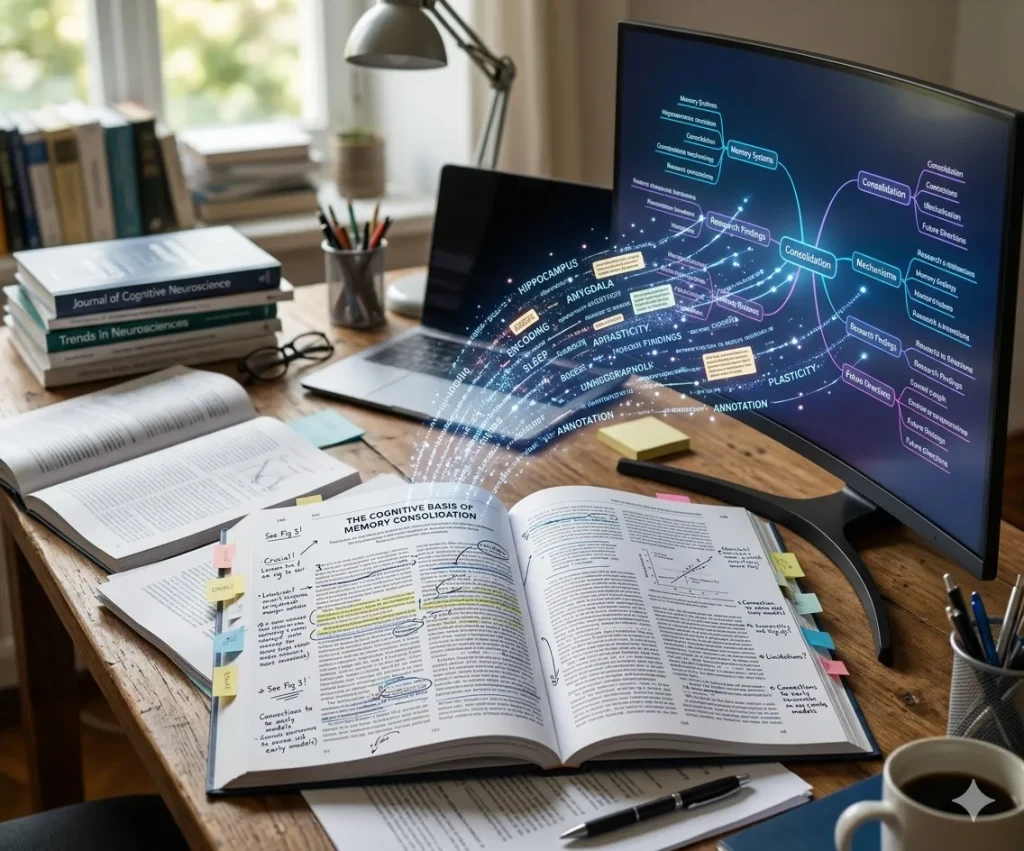
Research Papers
Researchers often annotate printed papers or write notes during literature reviews. AI handwriting recognition converts these annotations into digital text that can be summarized, linked to sources, and integrated into a research knowledge base.
Extract Text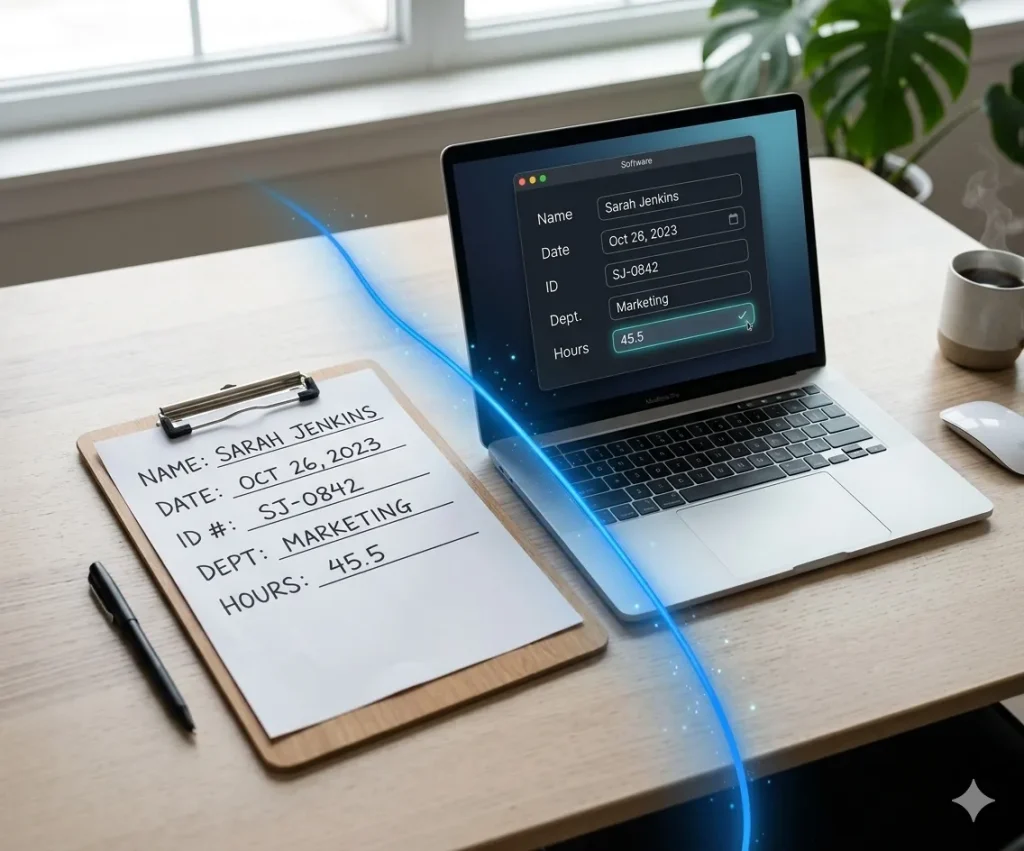
Form Processing
Organizations handling handwritten forms, surveys, or applications can use AI handwriting recognition to automatically extract and digitize information, improving data processing efficiency and reducing manual entry work.
Process FormsBoost Your Productivity with Related AI Agents
Explore powerful AI workflows designed to streamline your daily work.
AI Notes Generator
Transform messy ideas and transcripts into structured, professional notes with smart organization.
Create Notes →Free OCR Converter
Quickly convert images and scanned documents into editable text with advanced optical recognition.
Convert Now →AI PDF Summarizer
Extract core insights and executive summaries from lengthy PDF reports and documents in seconds.
Summarize PDF →