

Transform Text to Handwriting with iWeaver Free Converter
Turn plain text into natural handwriting in seconds. iWeaver helps create realistic handwritten notes, letters, and assignments—without manual writing. Perfect for students and professionals.
iWeaver AI-Generated Handwriting
Show how typed text becomes handwritten pages in seconds.
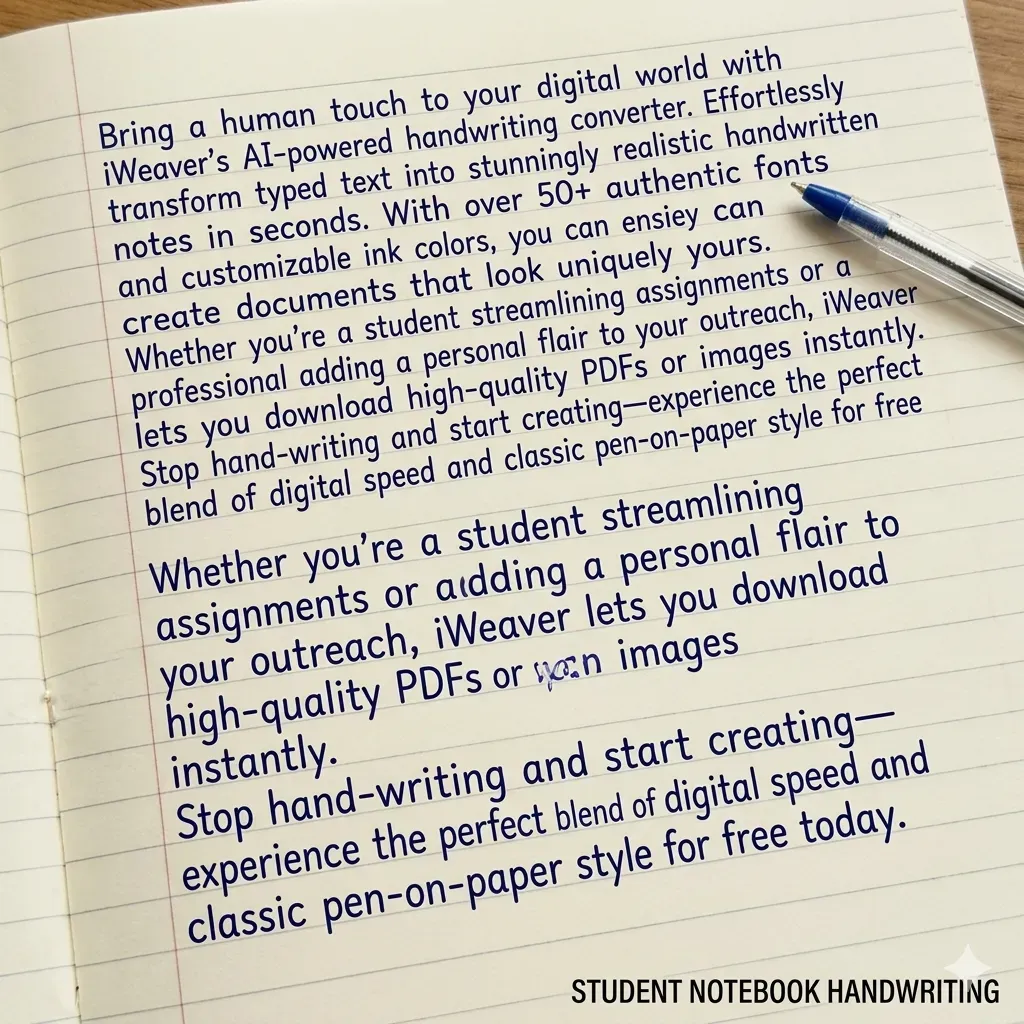
Student Notebook
Authentic classroom style
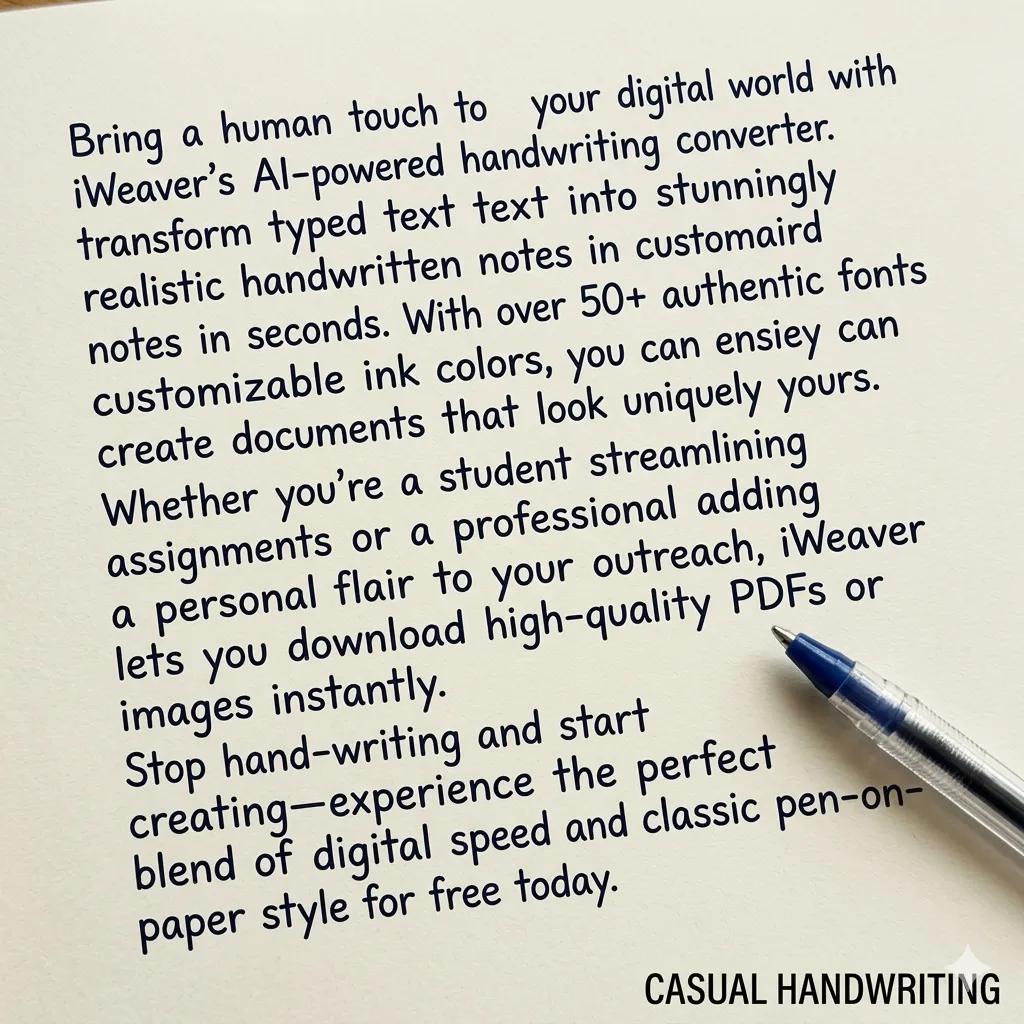
Casual Writing
Natural and relaxed flow
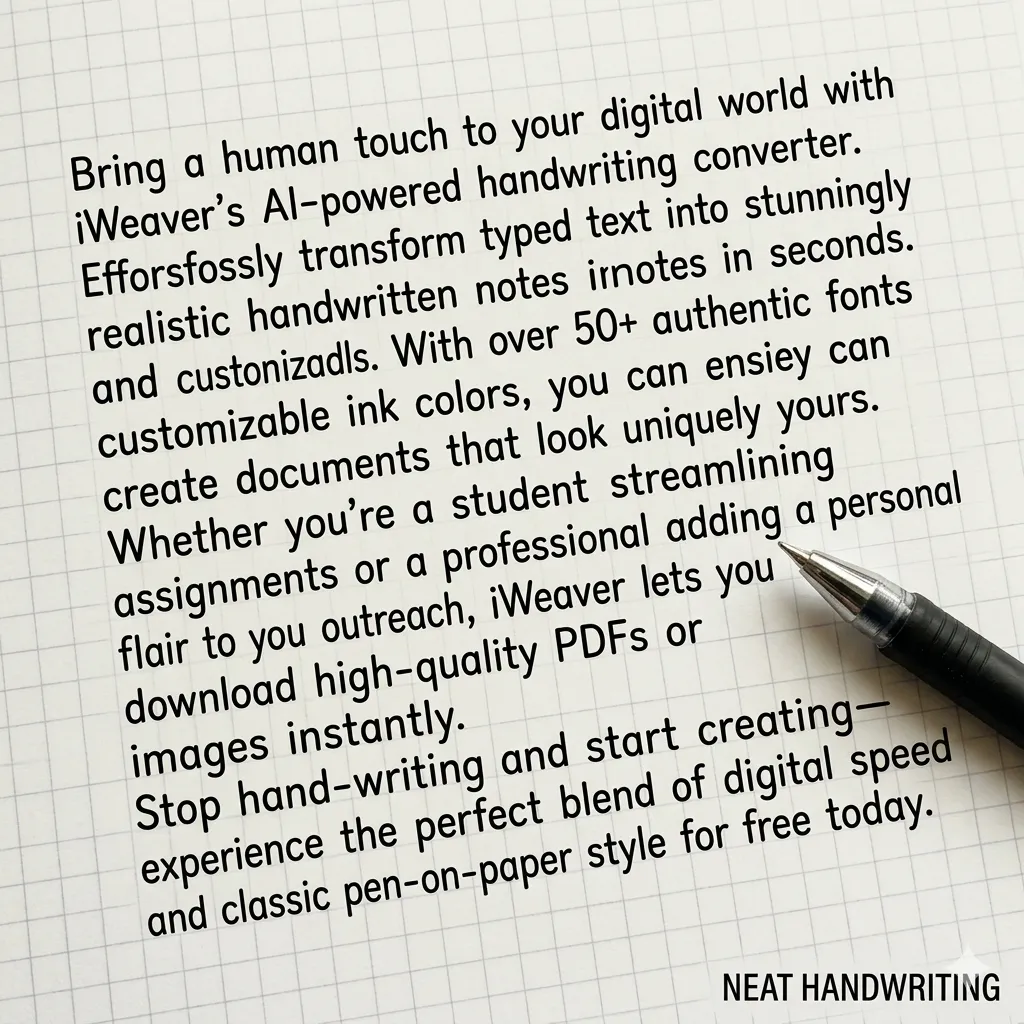
Neat Layout
Perfect for assignments
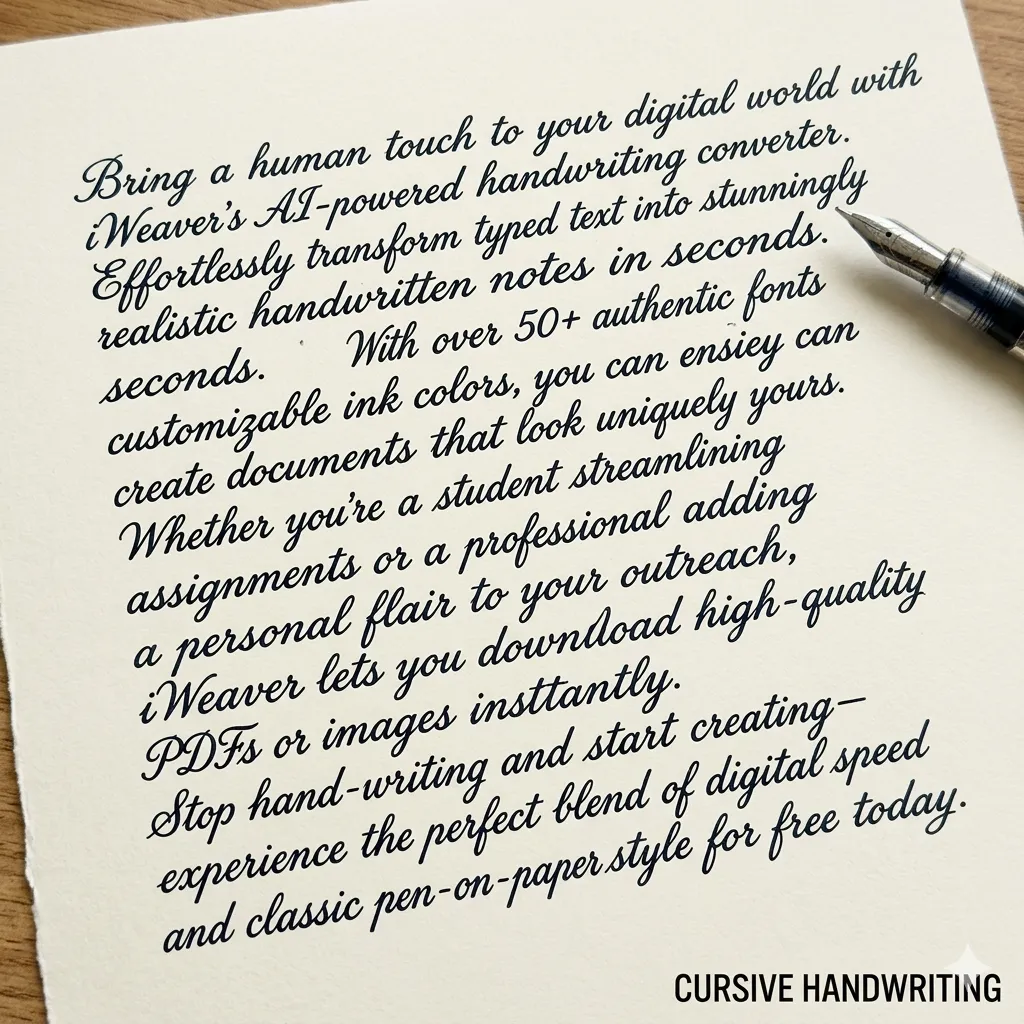
Letter Style
Elegant professional script
What Is a Text to Handwriting Converter?
A text to handwriting converter transforms digital text into realistic handwritten output. With iWeaver, users can customize handwriting styles, spacing, and paper formats for notes, assignments, or creative projects.
How to Convert Text to Handwriting?
Add Text
Paste or type your content into iWeaver. Supports paragraphs, lists, and structured notes without formatting issues.
Customize Style
Choose your preferred handwriting font, adjust size, spacing, and paper style to match the exact handwritten effect you want.
Export File
Download your handwritten output as a high-quality PNG or PDF, ready for printing, sharing, or submission.
Why choose iWeaver Text to Handwriting Converter?
Multiple Styles
Choose from several handwriting styles to match different writing needs, including neat notes, casual handwriting, or cursive styles for assignments, letters, and creative projects.
Paper Options
Select from lined paper, notebook paper, grid paper, or blank backgrounds to make handwritten output look natural for schoolwork, notes, or personal writing.
Realistic Output
AI adjusts letter spacing, line flow, and text alignment to create handwriting that looks more natural and closer to real human writing.
Fast Generation
Convert long paragraphs or full documents into handwritten pages within seconds, saving time compared with writing everything manually by hand.
Easy Export
Download generated handwritten pages quickly for printing, sharing, or adding to documents, presentations, study materials, or creative projects.
Tips to Make AI Handwriting Look More Realistic
To make AI-generated handwriting look more natural, try these tips:
- Break long paragraphs into shorter sections
- Use lined or notebook paper backgrounds
- Choose blue or black ink colors
- Slightly increase line spacing
- Avoid perfectly aligned text blocks
These adjustments help create handwriting that looks closer to real human writing.
Use Cases for Handwriting Converter
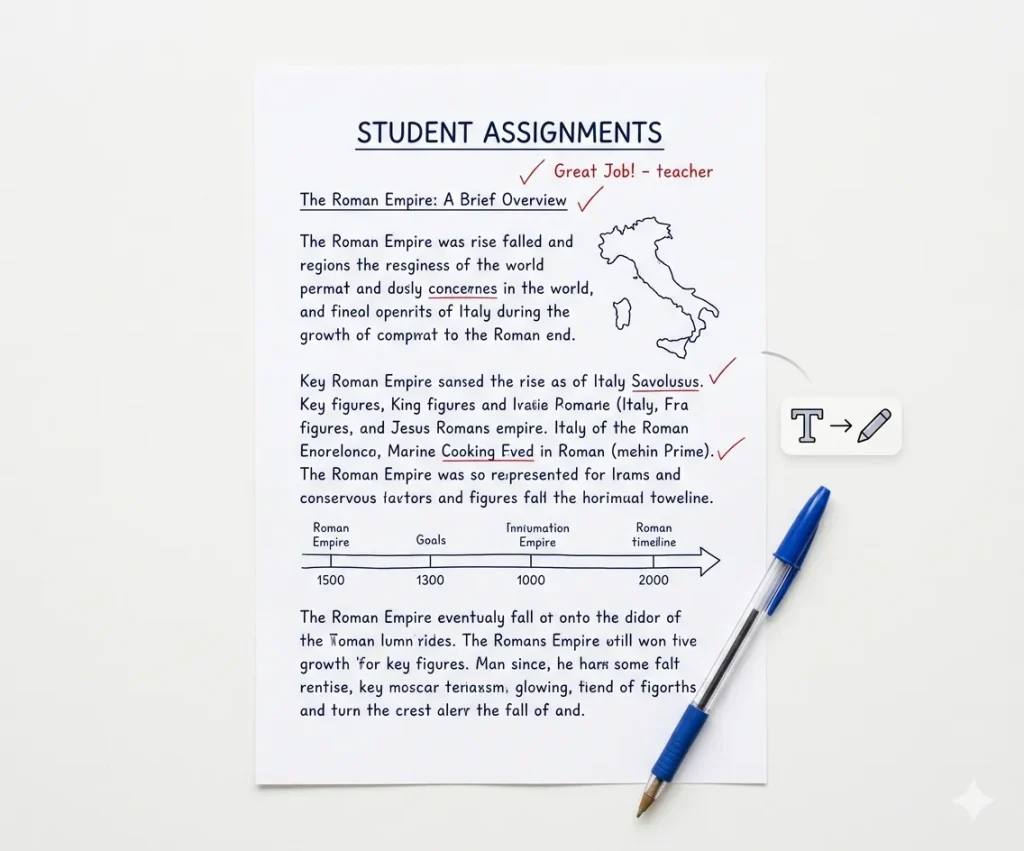
Student Assignments
Convert typed essays or homework into realistic handwritten pages. This helps format assignments to match notebook-style submissions while saving time compared with writing long essays completely by hand.
Generate Assignment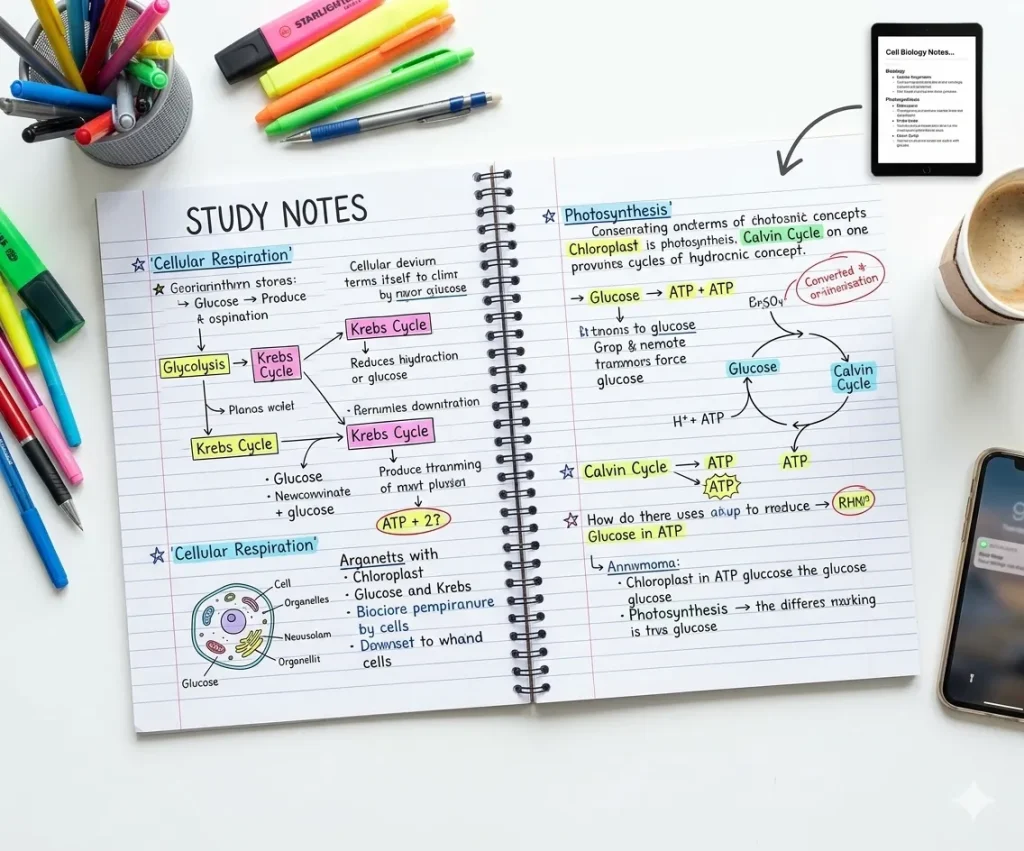
Study Notes
Turn lecture notes, summaries, or study materials into handwritten pages. Handwritten-style notes can improve readability and are useful for reviewing lessons, creating revision sheets, or organizing study content.
Create Notes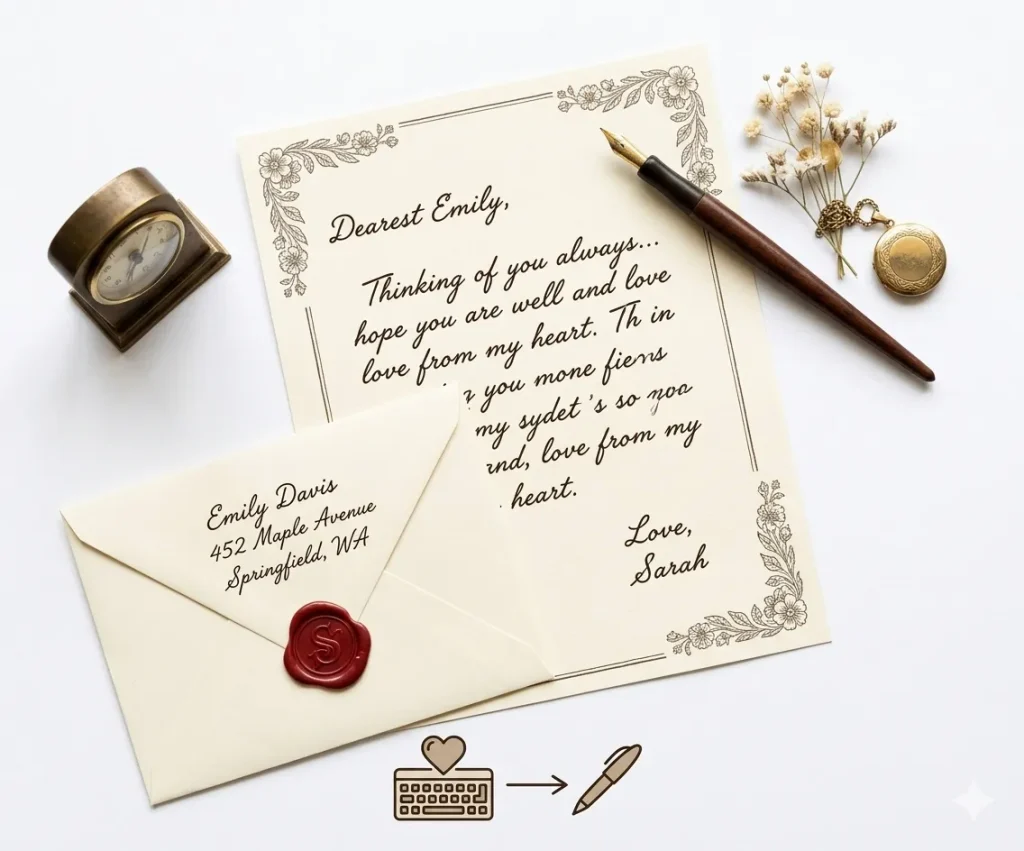
Personal Letters
Generate handwritten letters or messages for a more personal touch. Ideal for invitations, thank-you notes, or short messages when you want text to look like natural handwriting.
Write a Letter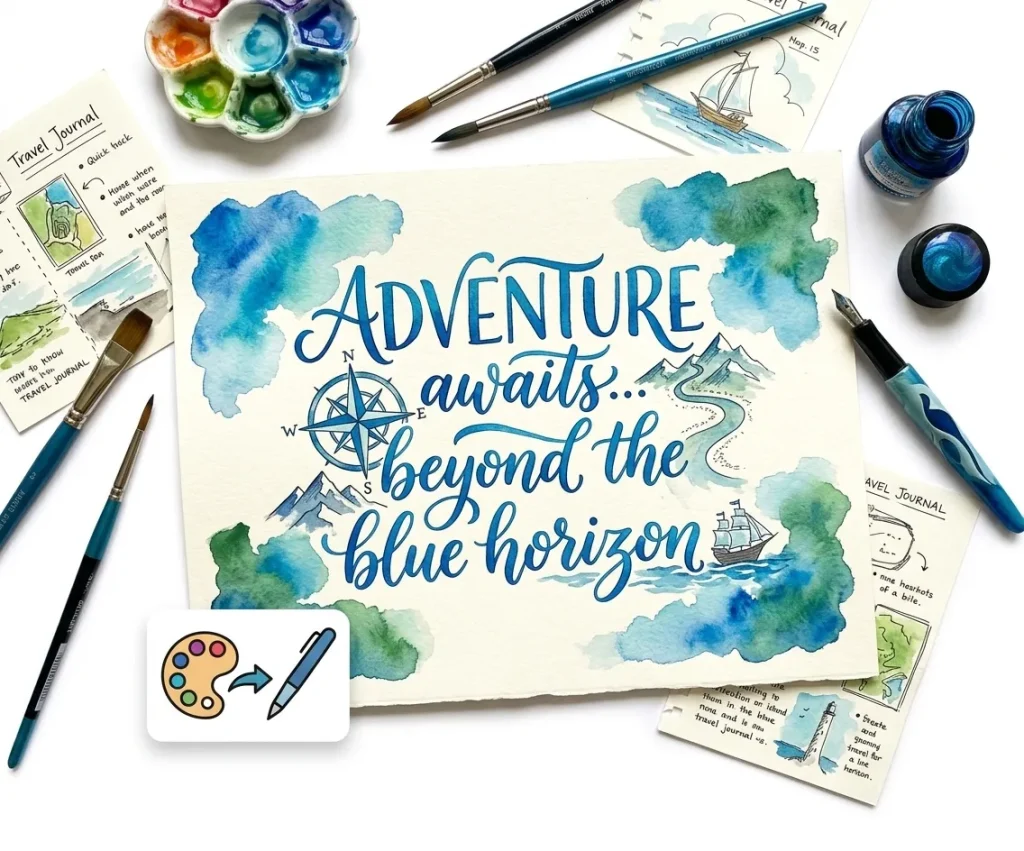
Creative Projects
Create handwritten text for posters, journals, scrapbooks, or design projects. Handwritten styles can add personality and a human feel to visual content and creative materials.
Start CreatingChoose the Right Paper Style
Different handwriting tasks require different paper formats.
| Paper Type | Best Use |
|---|---|
| Lined paper | School homework |
| Notebook paper | Lecture notes |
| Grid paper | Math problems |
| Blank paper | Letters or creative writing |
Selecting the correct paper background makes handwritten pages look more realistic.
Text to Handwriting Converter Features That Feel Real
Realistic Styles
iWeaver delivers natural handwriting styles with human-like stroke variations, avoiding repetitive or robotic patterns.🖋️
Font Variety
Choose from multiple handwriting fonts—from neat academic writing to casual personal notes.📏
Layout Control
Adjust margins, line spacing, and alignment to replicate real notebook or paper formats.📝
Paper Options
Select from lined paper, blank sheets, or custom backgrounds for different use cases.📥
Export Flexibility
Download files as high-quality PNG or PDF, optimized for printing or digital use.⚡
Fast Conversion
Generate handwritten content in seconds, even for long text blocks or documents.
FAQs About Text to Handwriting Conversion
Explore More AI Agents
AI PDF Summarizer
Summarize long PDF documents instantly with key insights and clear bullet points.
Summarize Now →AI Notes Generator
Transform messy ideas into structured notes, ready for sharing or studying.
Generate Notes →AI Study Agent
An intelligent companion to help you master complex topics and prepare for exams.
Start Learning →Ready to turn typed text into handwritten-style notes?
Paste your text, choose a handwriting style, preview the page, and create a clean handwritten design for notes, letters, cards, or study materials.
Generate Handwriting