

AI Flowchart Generator by iWeaver
Turn ideas, documents, or workflows into clear flowcharts in seconds. With iWeaver, you can generate, edit, and share professional diagrams instantly—no manual drawing required.
Key Features of iWeaver AI Flowchart Generator
Text to Chart
Convert plain text into structured flowcharts instantly with accurate logic mapping.🧠
Smart Structure
Automatically organizes steps, decisions, and branches into clean visual flows.⚙️
Editable Output
Easily modify nodes, connections, and layouts without starting from scratch.📄
Multi Formats
Generate flowcharts from text, PDFs, notes, or knowledge base content.⚡
Fast Generation
Create complete diagrams in seconds instead of manually drawing shapes.📤
Share & Export
Download or share flowcharts for presentations, docs, or team collaboration.
What Is an AI Flowchart Generator?
An AI flowchart generator automatically converts text, ideas, or structured content into visual process diagrams.
Instead of manually creating shapes and connectors, AI analyzes your input and organizes it into logical steps, decision nodes, and process flows.
With iWeaver, you can generate flowcharts from documents, meeting notes, workflows, or prompts — making complex processes easier to understand and share.
What Types of Content Does iWeaver AI Flowchart Generator Support?
Transform diverse data sources into professional process diagrams with AI.
How to Generate Flowcharts with iWeaver AI?
Add Input
Paste text, upload documents, or describe your workflow. iWeaver understands structure and turns it into visual logic.
Generate Chart
Click generate to instantly create a structured flowchart with nodes, branches, and decisions.
Edit Output
Adjust layout, refine steps, and export your flowchart for sharing or documentation.
Why Choose iWeaver’s Free AI Flowchart Generator Tool?
Save Time
Generate complete flowcharts in seconds instead of manually building diagrams.
Easy Start
No design skills needed—just describe your workflow and get results instantly.
Clear Logic
Automatically structures steps and decisions into readable visual flows.
Flexible Input
Supports text, documents, and knowledge-based inputs for diverse scenarios.
Better Output
Create professional diagrams ready for sharing, presentation, or documentation.
Use Cases for AI Flowchart Generator
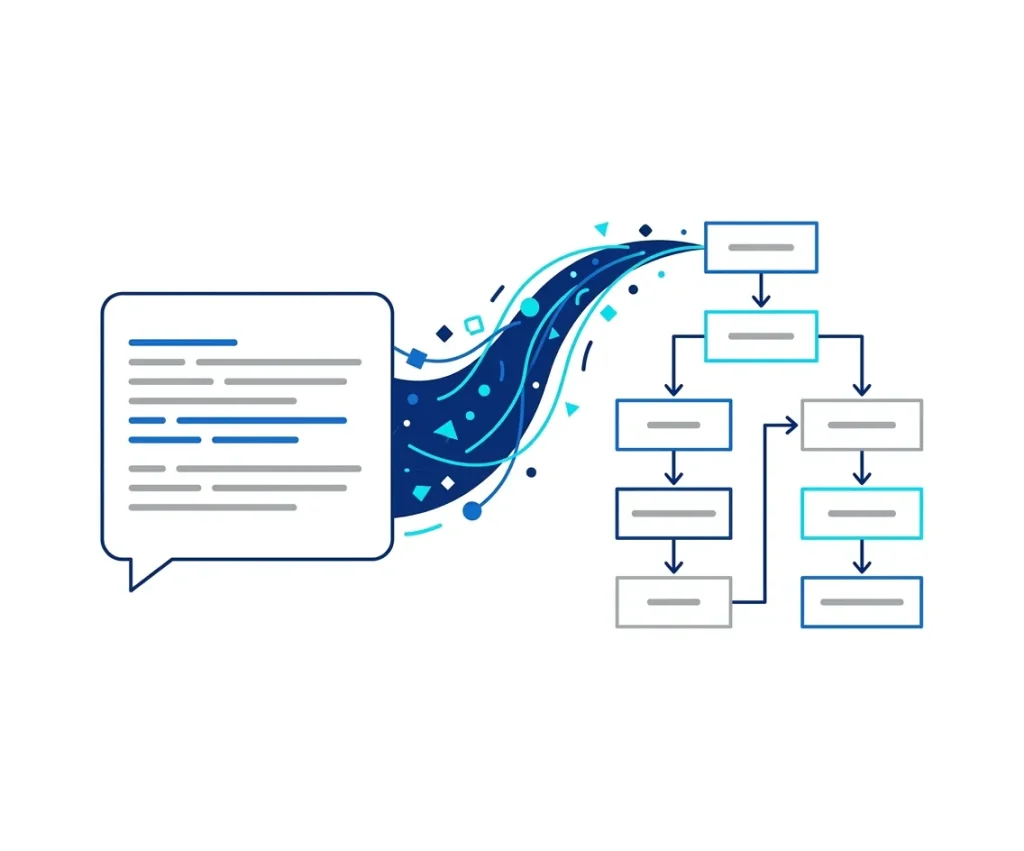
Turn Text into Flowcharts
Paste any paragraph, SOP, or workflow description, and iWeaver instantly converts it into a clean, editable flowchart. Perfect for simplifying complex processes and improving clarity across teams.
Convert Text to Flowchart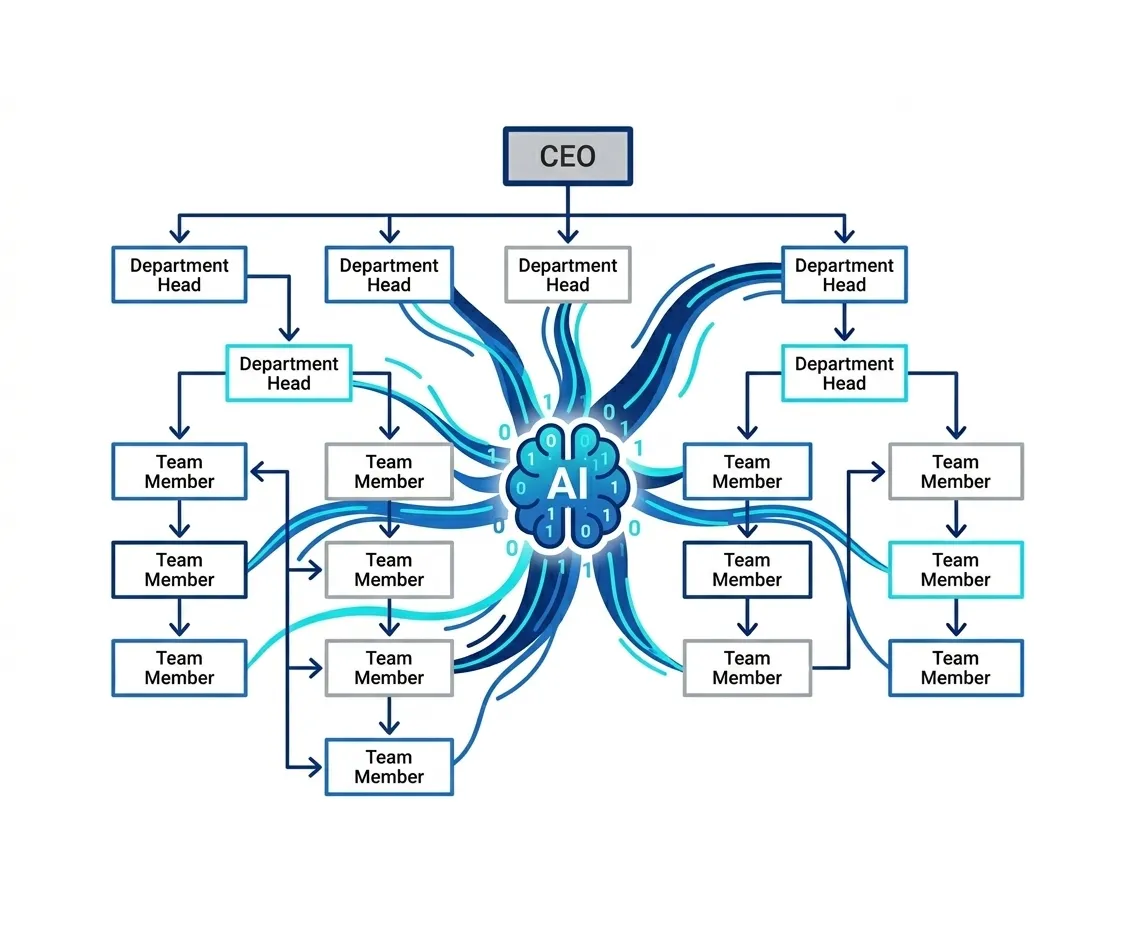
AI Organizational Chart Maker
Upload team data or hierarchical descriptions, and iWeaver automatically builds a structured organizational chart. Clearly visualize reporting lines, team roles, and department structures without manual design work.
Generate Org Chart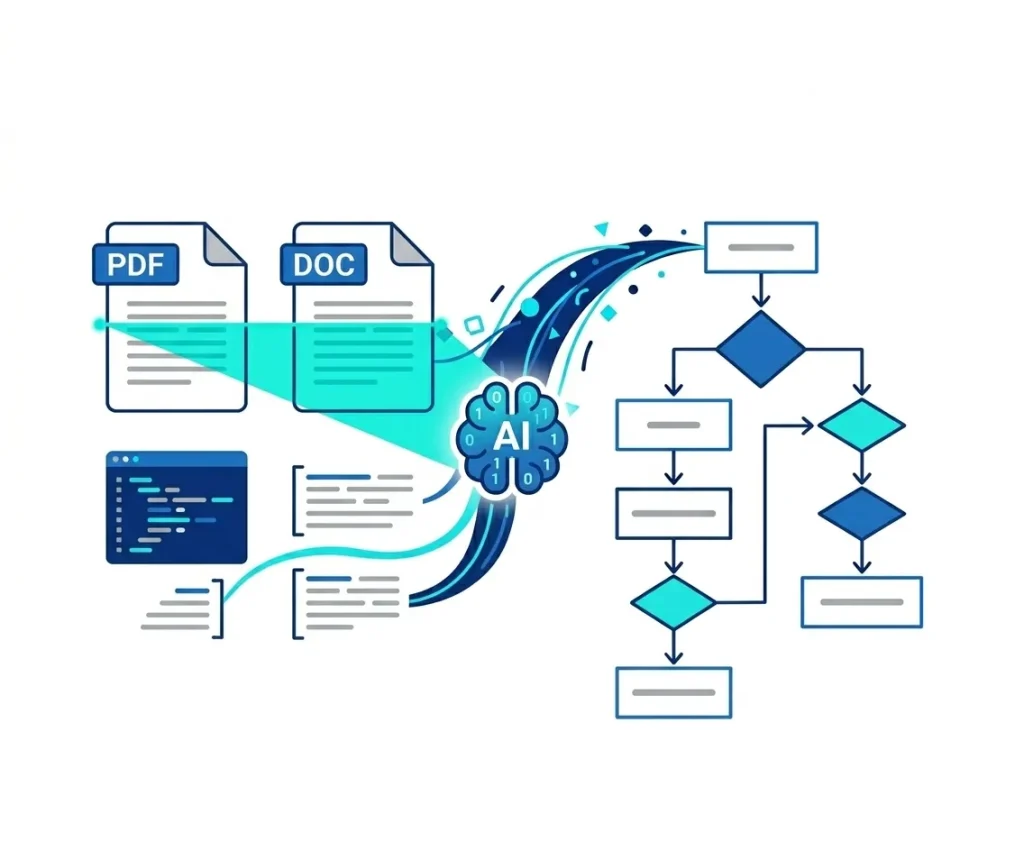
Document-to-Diagram Extraction
Upload PDFs, DOCX, PPTs, or training materials—iWeaver’s AI extracts key steps, relationships, and hierarchy to create accurate flowcharts or organizational charts in seconds.
Upload Document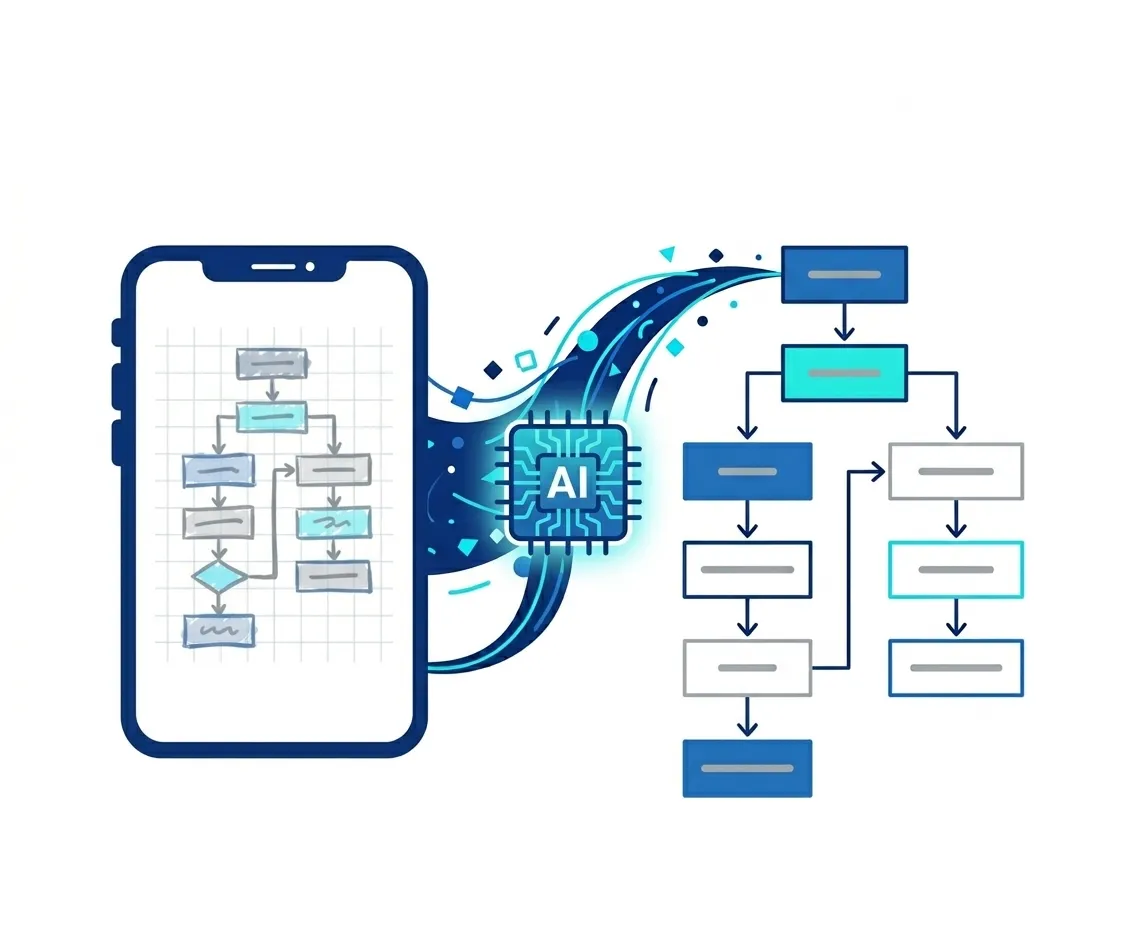
Image-to-Diagram Conversion
Capture whiteboard sketches, notes, or hand-drawn ideas. iWeaver identifies shapes, logic, and structure to turn them into editable flowcharts or organizational charts with minimal effort.
Convert ImageExplore More Productivity Tools
AI Notes Generator
Transform meeting transcripts and long-form content into structured, actionable notes instantly.
AI Study Agent
Accelerate learning by converting complex materials into personalized quizzes and summaries.
AI Infographic Generator
Turn raw data and insights into professional, presentation-ready infographics with AI precision.
FAQs About iWeaver's AI Flowchart Generator
Turn Your Ideas into Flowcharts
Stop drawing diagrams manually. Use iWeaver to turn ideas into clear, structured flowcharts instantly.
Start Generating for Free