

Video to PPT Generator by iWeaver
Transform any video into editable PowerPoint slides with iWeaver. Upload lecture recordings, webinars, or YouTube links to generate structured
How to convert video to presentation
Upload video
Paste YouTube links or upload MP4/MOV files from lectures, meetings, or webinars.
AI analyzes
iWeaver detects key frames, extracts text, and structures content into slides.
Export deck
Download editable PPTX files or share Google Slides with customizable themes.
Why choose this video to PPT converter?
Multi-source input
Process YouTube links, local videos, and screen recordings up to 2 hours long with transcript analysis.
Smart extraction
AI identifies key visuals and text from videos to create coherent slide narratives automatically.
Professional outputs
Generate presentation-ready slides with consistent formatting and 8+ design themes.
Batch processing
Convert multiple lecture recordings or webinar videos into separate decks simultaneously.
Flexible exports
Download as editable PPTX, PDF handouts, or Google Slides with one-click sharing.
Use Cases for video conversion
Lecture notes
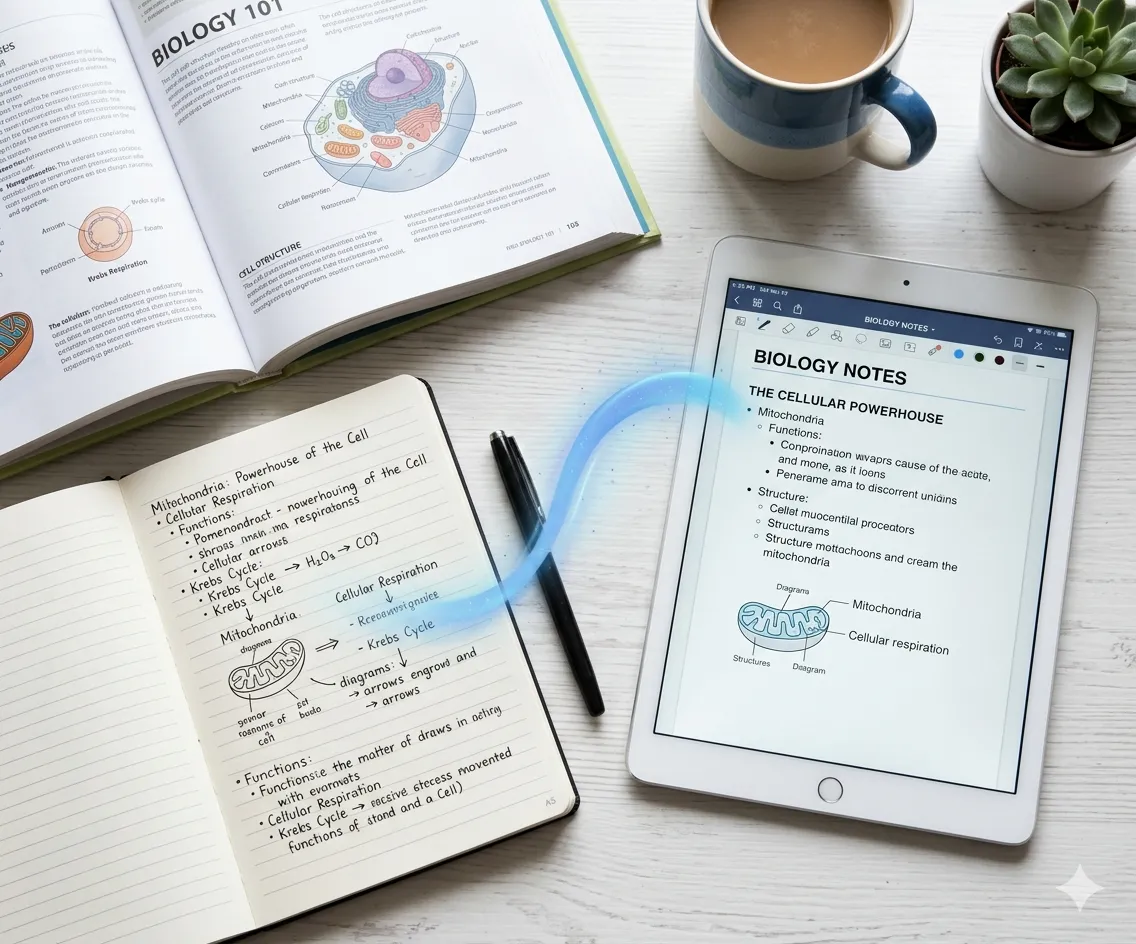
Students struggling with lengthy course recordings can convert them into structured study slides. iWeaver extracts key diagrams and concepts from STEM lectures, outputting organized PPTX files with timestamps.
Try nowWebinar reuse
Marketers wasting time manually screenshotting webinar videos can auto-generate sales collateral. The agent identifies product demo segments and testimonials, creating pitch-ready slides with speaker notes.
ConvertMeeting summaries
Teams recording Zoom meetings can transform them into executive briefings. iWeaver analyzes action items and decisions, producing shareable decks with highlighted takeaways and reference screenshots.
Start freeTraining materials
HR professionals converting tutorial videos into onboarding decks get editable templates. The system preserves step-by-step instructions while removing filler content for concise training slides.
GenerateVideo to PPT questions
What video formats work?
iWeaver supports MP4, MOV, and YouTube/Vimeo links. Screen recordings and webinar exports up to 2GB in size process successfully.
Can I edit the slides?
Yes, all generated PPTX files are fully editable in PowerPoint or Google Slides. Modify text, layouts, or designs post-conversion.
How accurate is the conversion?
The AI captures ~85% of key visuals from clear videos. For optimal results, use recordings with visible text and stable framing.
Is there a free version?
Yes, you get 3 free conversions daily. Pro plans start at $9.9/month for unlimited processing and advanced templates.
Are my videos private?
Uploaded files delete after processing. For sensitive content, use our local processing option available in desktop versions.
What export formats exist?
Download as PowerPoint (PPTX), PDF, or Google Slides. PNG image exports available for individual slides.
Convert videos now
3 free daily
Start transforming lecture recordings, meetings, or YouTube videos into professional presentations with your free daily conversions.
Upload video