

Try GPT Image 2 for Free With iWeaver
Create high-quality AI images with GPT Image 2 on iWeaver. Generate, edit, and refine visuals from text prompts instantly—no setup, free to start.
How to Use GPT Image 2 on iWeaver in 3 Simple Steps
Upload Prompt
Enter a simple description of your idea. iWeaver enhances it into a structured GPT Image 2 prompt automatically, improving output quality without manual prompt engineering.
Generate Image
Click generate and instantly receive multiple high-quality images. Explore variations and styles without waiting or adjusting complex parameters.
Refine Output
Edit, regenerate, or fine-tune details. Download the final image once it matches your vision, ready for immediate use.
Why Choose iWeaver for GPT Image 2 Image Generation
Faster Results
iWeaver reduces generation time and eliminates complex setup, allowing instant access to GPT Image 2 with optimized outputs.
Better Quality
Built-in prompt optimization improves accuracy, composition, and visual clarity compared to manual prompt writing.
No Learning Curve
Simple interface designed for beginners and professionals alike—no need to understand prompt engineering.
All-in-One Workflow
Generate, edit, and refine images in one place without switching between tools or platforms.
Always Updated
iWeaver continuously integrates the latest model improvements, ensuring users always access the best image generation capabilities.
Key Features of iWeaver GPT Image 2
Prompt Generation
Transform simple text into detailed, structured prompts. iWeaver enhances input automatically to generate more accurate, visually appealing images with better composition.
Style Control
Control artistic direction with precision. Choose styles like photorealistic, illustration, cinematic, or minimal design to match branding and creative needs.
Image Editing
Refine outputs instantly. Adjust details, regenerate variations, or modify specific areas without starting over—saving time in iterative design workflows.
High-Resolution Output
Generate sharp, high-quality images suitable for marketing, social media, and professional use without additional upscaling tools.
Multi-Scene Generation
Create multiple variations in one click. Explore different compositions, angles, and interpretations to find the best visual fit quickly.
Smart Optimization
iWeaver automatically optimizes prompts and outputs based on use cases like ads, thumbnails, or storytelling—reducing trial-and-error effort.
GPT Image 2 Use Cases for Content, Marketing, and Creative Work
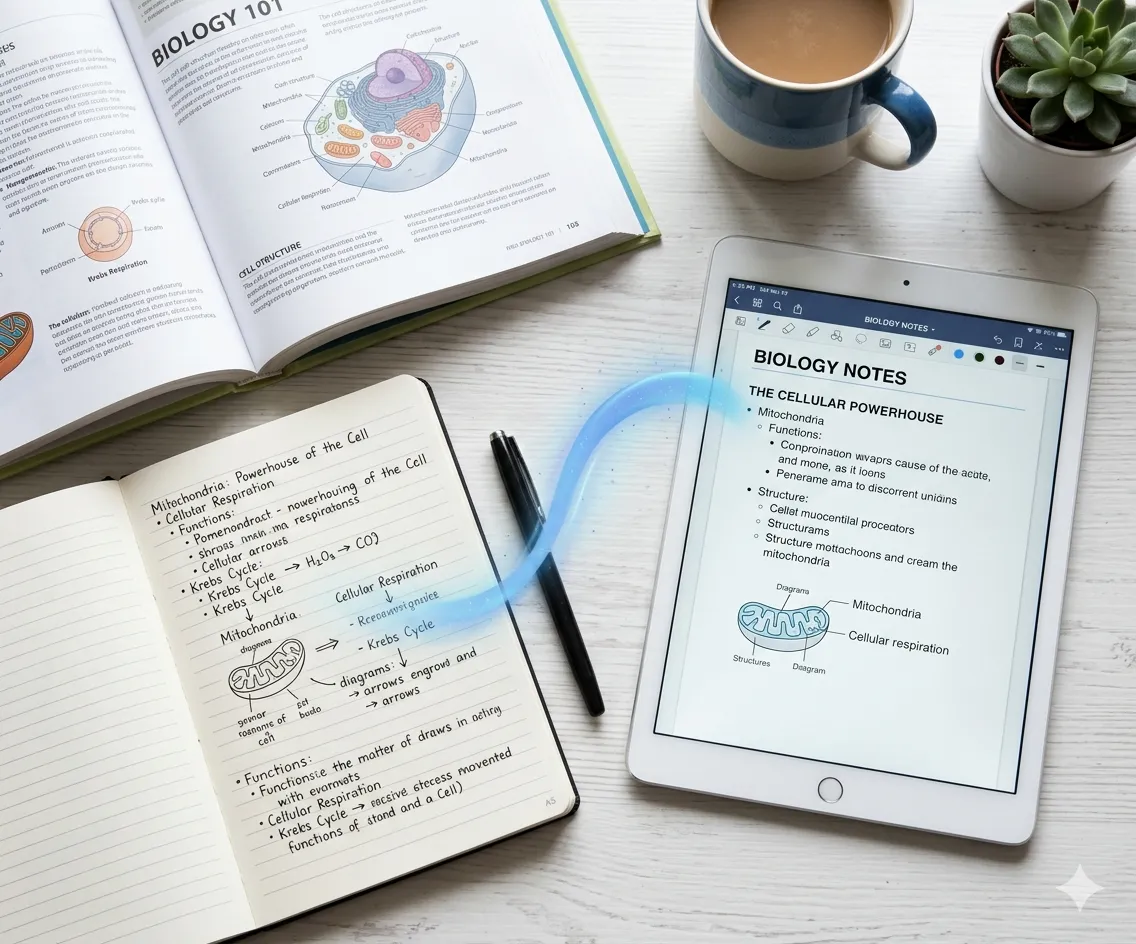
Social Content
Create scroll-stopping visuals for social media posts, ads, and thumbnails. iWeaver helps generate consistent, branded images that improve engagement and reduce reliance on designers.
Create NowMarketing Design
Generate campaign visuals, banners, and creatives in seconds. Quickly test multiple directions and iterate based on performance without expensive production cycles.
Try Free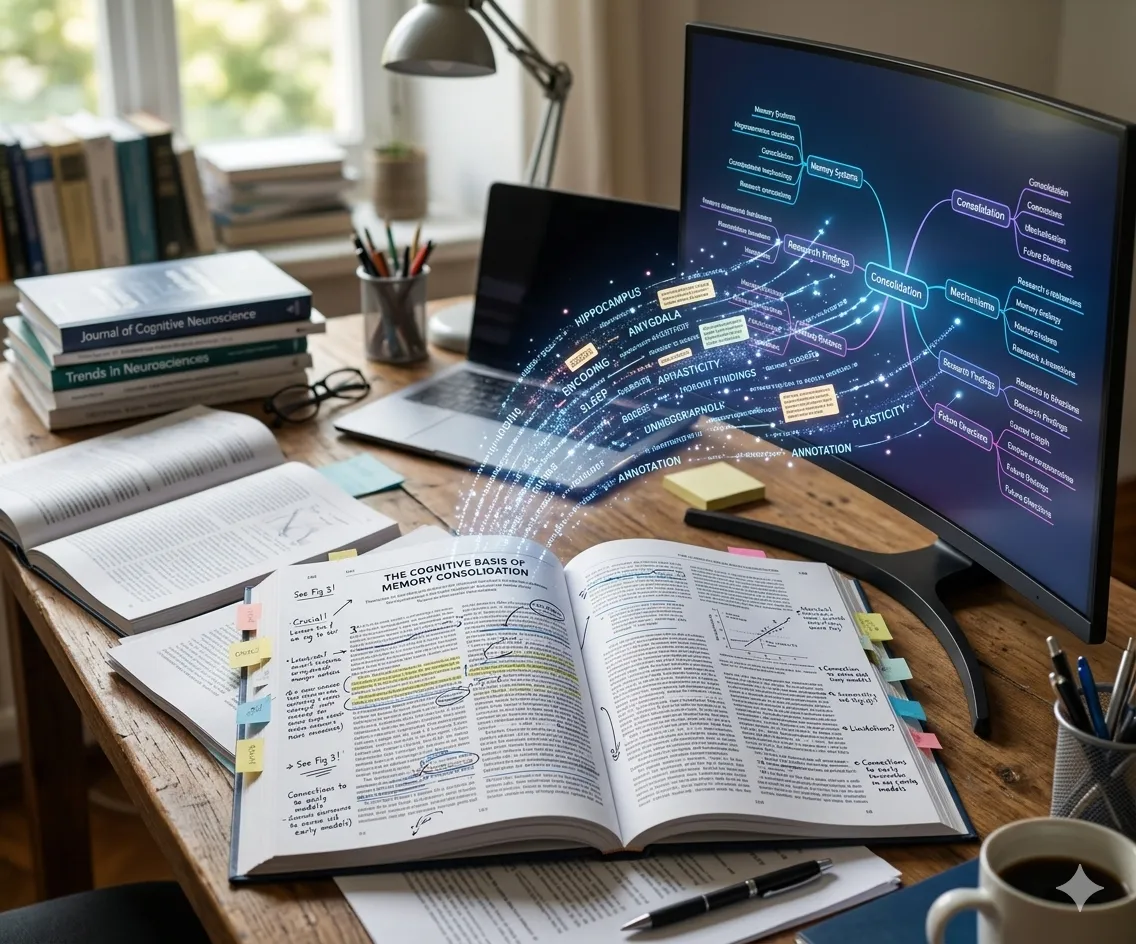
Product Mockups
Visualize product ideas or concepts before production. Generate realistic mockups for presentations, landing pages, or validation experiments.
GenerateCreative Projects
From storytelling to concept art, iWeaver supports rapid ideation. Explore different styles and compositions to bring creative visions to life faster.
ExploreExplore More GPT-4 Image Capabilities
Claude 3.5 Sonnet
Experience lightning-fast reasoning and advanced coding capabilities with our free Claude 3.5 Sonnet agent. 🎭
Chat Now →Claude 3 Opus
Unlock the most intelligent model for complex creative writing, deep analysis, and nuanced conversations. 🔍
Try Opus →AI Image Detector
Verify the authenticity of your visuals. Identify AI-generated content with high precision using advanced algorithms.
Detect Now →Frequently asked questions
Get Ready, Get Tasks
Done with iWeaver AI
We are constantly pushing our boundaries by ongoing innovations. More advanced features are worth anticipating.
Start Online for Free