

AI video translator
Translate videos with an AI video translator for subtitles, transcripts, and voice translation, turning uploaded content into structured outputs, export files, and localized versions for courses, marketing, and social media.
How to Use AI Video Translator
Upload Video
Upload a video file or link to begin processing your source content for translation and subtitle creation workflows
Generate Translation
Analyze speech and content to generate translated subtitles, transcripts, and voice outputs in your selected target language
Export Results
Review translated results and export subtitles, transcripts, or structured files for your preferred content workflows
Why Choose AI Video Translator?
Input Processing
Handle uploaded videos, audio, and documents as source content while preparing translated outputs from the original material with organized processing for different workflows
Content Understanding
Analyze spoken content and visual information to create transcripts, translated subtitles, and structured outputs for reviewing different types of videos and media
Flexible Outputs
Receive translated content in useful formats including transcripts, notes, structured results, and export options for continued editing or sharing
Workflow Support
Process videos for learning, marketing, meetings, and research scenarios with organized results that help teams manage multilingual content tasks
Export Knowledge
Save extracted information through supported exports such as documents, PDFs, markdown, and other formats for future reference
Use Cases for Video Translation
Course Videos
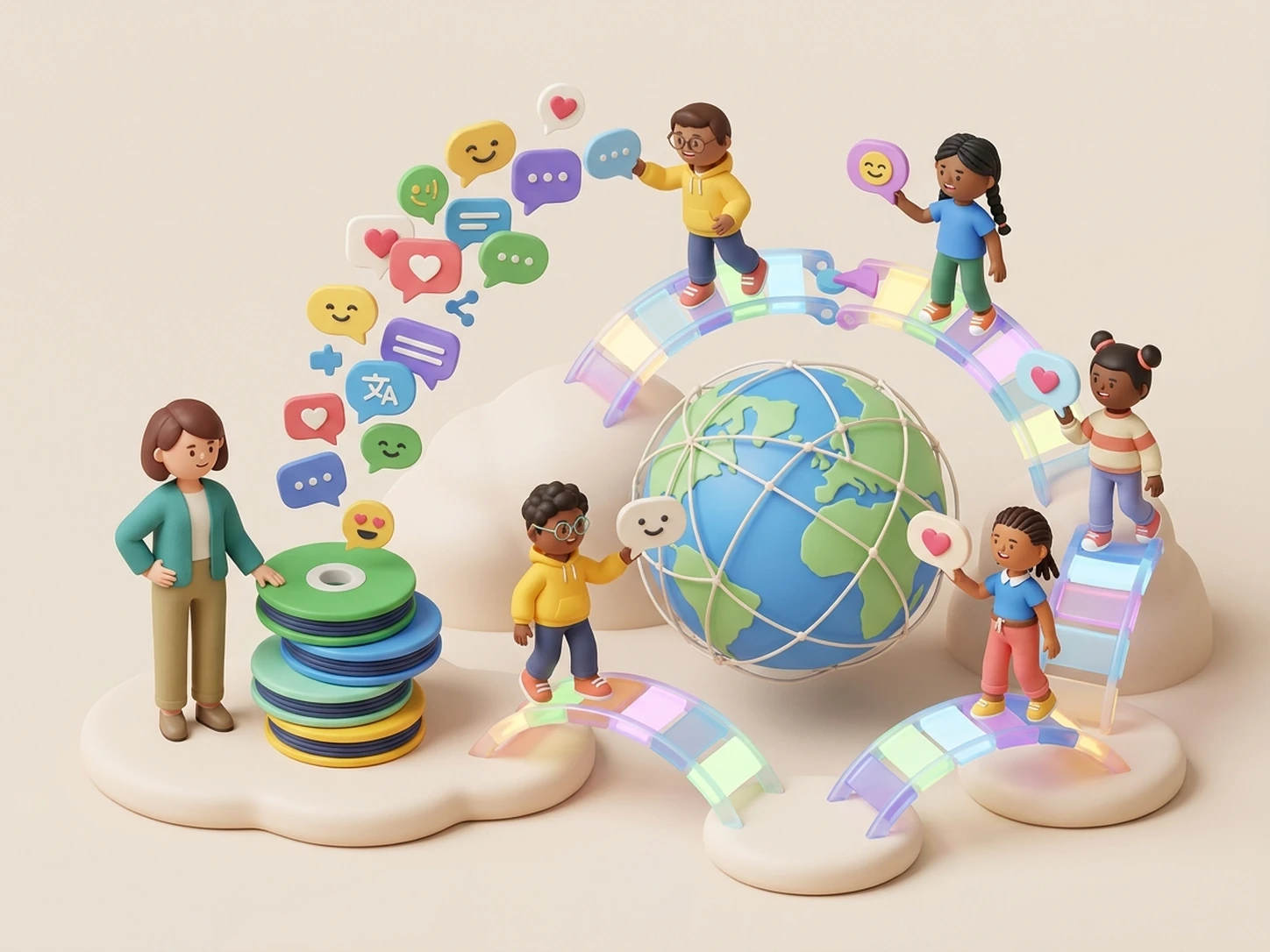
Educators process recorded lectures and training videos when audiences need content in different languages. iWeaver analyzes video information and provides translated transcripts, subtitles, and structured outputs for easier course localization.
Translate Videos
Marketing Videos
Marketing teams handle product videos, demos, and promotional clips when expanding content across regions. iWeaver helps transform video materials into translated content, summaries, and exportable results for global campaigns.
Localize Content
Meeting Recordings
Teams review recorded meetings and discussions when participants need multilingual access to important information. iWeaver processes video content to create transcripts, key points, and structured notes for collaboration.
Process Meetings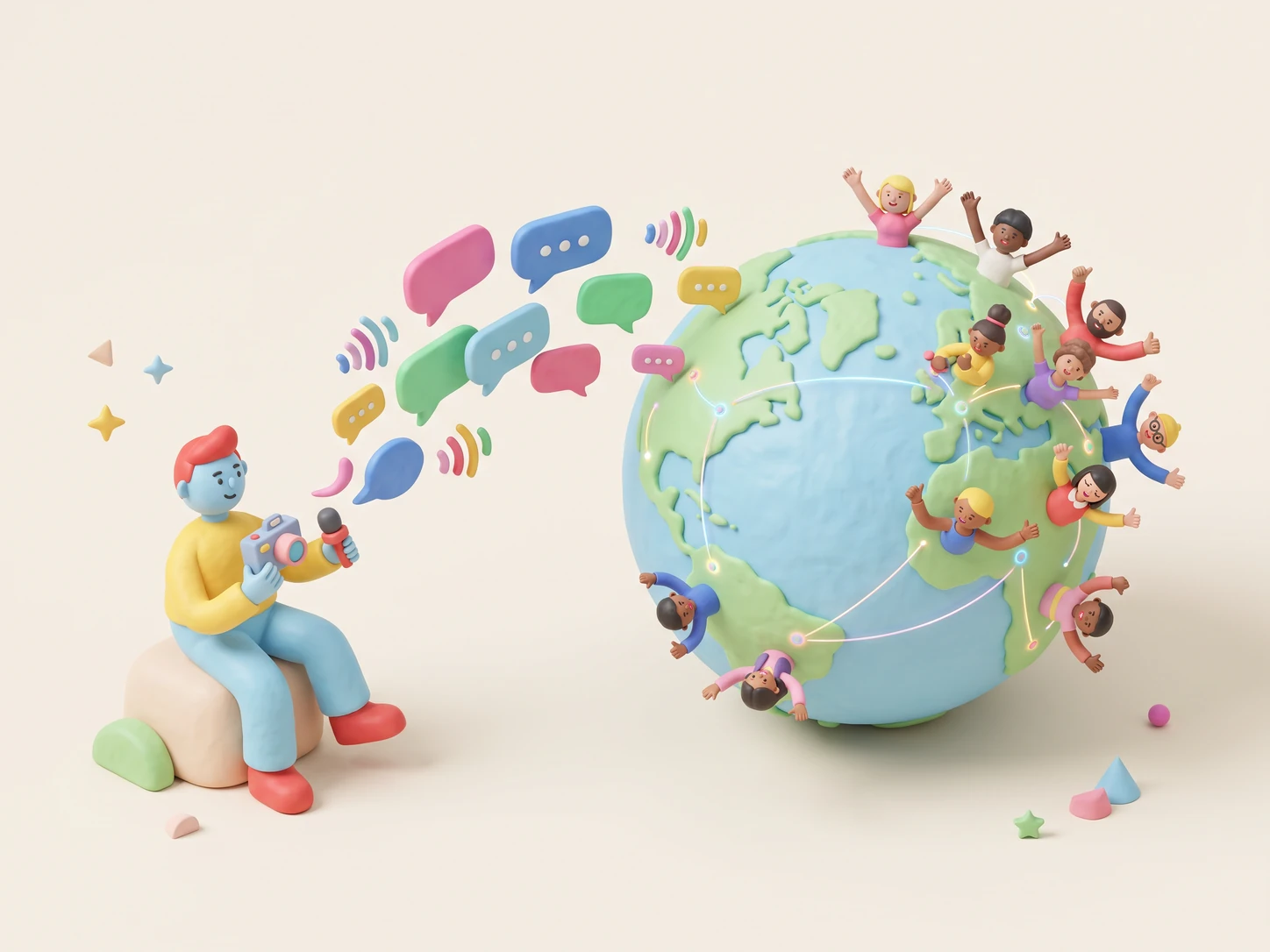
Social Videos
Creators work with short videos and online clips that require translated captions for broader audiences. iWeaver converts video content into useful transcripts, subtitles, and organized outputs for publishing workflows.
Translate ClipsVideo Translator FAQs
Start Video Translation
Upload videos, process translations, and explore structured results with 3 free daily uses.
Start Translating