

Uncensored AI Story Generator with iWeaver
Start with a prompt, character notes, or a scene idea, then generate and rewrite story drafts, dialogue, and chapter outline outputs with export options. Built for writers seeking an unfiltered AI story generator workflow when standard chat agents weaken darker fiction.
How to Use an Unfiltered AI Story Generator
Add Prompt
Enter a prompt, scene brief, character notes, or pasted chapter so iWeaver has the context for drafting.
Shape Draft
Generate a story draft, then refine tone, expand scenes, or continue chapters while keeping your narrative direction visible.
Export Story
Review the output in your workspace, compare rewrites, and export drafts as doc, pdf, or markdown files.
Why choose an unfiltered AI story generator?
Flexible Inputs
Add a one-line prompt, scene notes, character profiles, pasted chapters, web research, or reference documents, then keep all source material in one writing workspace.
Draft Control
Generate a first draft, rewrite flat paragraphs, expand scenes, or continue chapters so ideas move from rough concept to editable fiction without switching agents.
Story Context
Use iWeaver to organize character notes, plot threads, and source references, helping you maintain clearer context across recurring scenes, revisions, and longer story arcs.
Structured Outputs
Instead of a single text block, shape outputs into story drafts, scene versions, dialogue options, outlines, and structured notes that are easier to review and revise.
Export Ready
Keep working drafts usable after generation by exporting doc, pdf, svg, or markdown files for editing, sharing, archiving, or moving into your broader writing workflow.
Use Cases for Uncensored AI Story Generator

Expand Prompts
You start with a one-line prompt, scene hook, or character dynamic, but standard chat agents return generic prose or dilute darker material. iWeaver turns those inputs into a fuller story draft, dialogue options, outline notes, and editable scene versions you can keep developing.
Expand Prompt
Continue Chapters
You already have a chapter draft, scattered notes, and unresolved plot threads, but continuing the next scene without losing tone or character intent is difficult. iWeaver reads your existing text and references, then produces a continuation draft, rewrite paths, and export-ready chapter files for further editing.
Continue Chapter
Rewrite Scenes
A romance, horror, or crime noir scene may have the right events on the page, yet the dialogue, tension, or pacing still feels flat. iWeaver reworks the passage from your prompt and source text into stronger scene drafts, character notes, and alternate versions you can compare in one workspace.
Rewrite Scene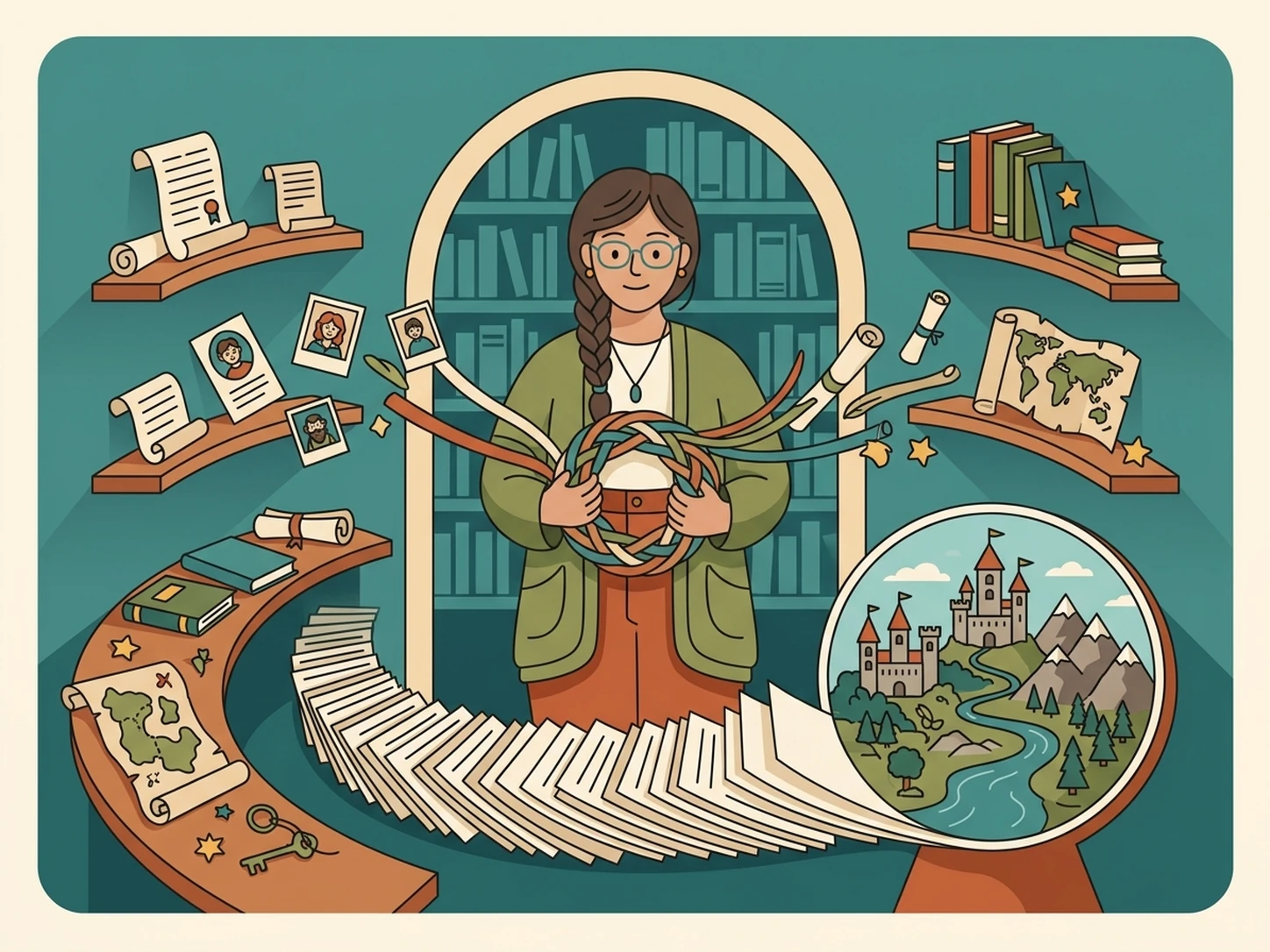
Organize Worlds
Long-form fiction projects collect character sheets, research links, reference documents, and partial chapters, which makes consistency harder as the story grows. iWeaver brings those materials together, processes them alongside new prompts, and delivers structured notes, story drafts, and exports you can reuse across ongoing chapters.
Organize ProjectFAQ for Story Drafting
Start Your First Story Draft
Open a new workspace, test three free uses, and shape your prompt into an editable draft.
Generate Draft