

uncensored ai roleplay with iWeaver
Create character profiles, backstories, world settings, and dialogue prompts for uncensored AI roleplay chat. iWeaver organizes story context, generates structured output, notes, outlines, and exports for long-form roleplay, creative writing, and immersive character interactions.
How to Start Uncensored AI Roleplay
Add Context
Upload character profiles, story documents, screenshots, notes, or worldbuilding materials to establish roleplay context.
Build Scenarios
Analyze personalities, relationships, and plot details to organize prompts, storylines, and character interactions.
Export Results
Review structured outlines, dialogue references, and story notes, then export files for continued sessions.
Why Use Uncensored AI Roleplay Workflows?
Rich Inputs
Work with character sheets, documents, images, webpages, audio, and video sources to build detailed roleplay settings and reference materials.
Story Context
Organize personalities, backstories, relationships, and scenario details into structured knowledge that supports more consistent storytelling and character behavior.
Structured Outputs
Generate outlines, summaries, notes, character references, and organized story assets that are easier to reuse across ongoing roleplay sessions.
Content Analysis
Process large volumes of story material, reference files, and narrative notes to reduce manual searching during complex roleplay planning.
Flexible Exports
Export organized roleplay materials as PDF, DOC, Markdown, XMind, or SVG formats for long-term story management and collaboration.
Use Cases for Uncensored AI Roleplay

Character Creation
Writers often collect character profiles, appearance notes, relationship maps, and backstories across multiple files, making consistency difficult during roleplay sessions. iWeaver analyzes source materials, organizes key traits and memories, and delivers structured character references, outlines, and exports for ongoing story development.
Create Characters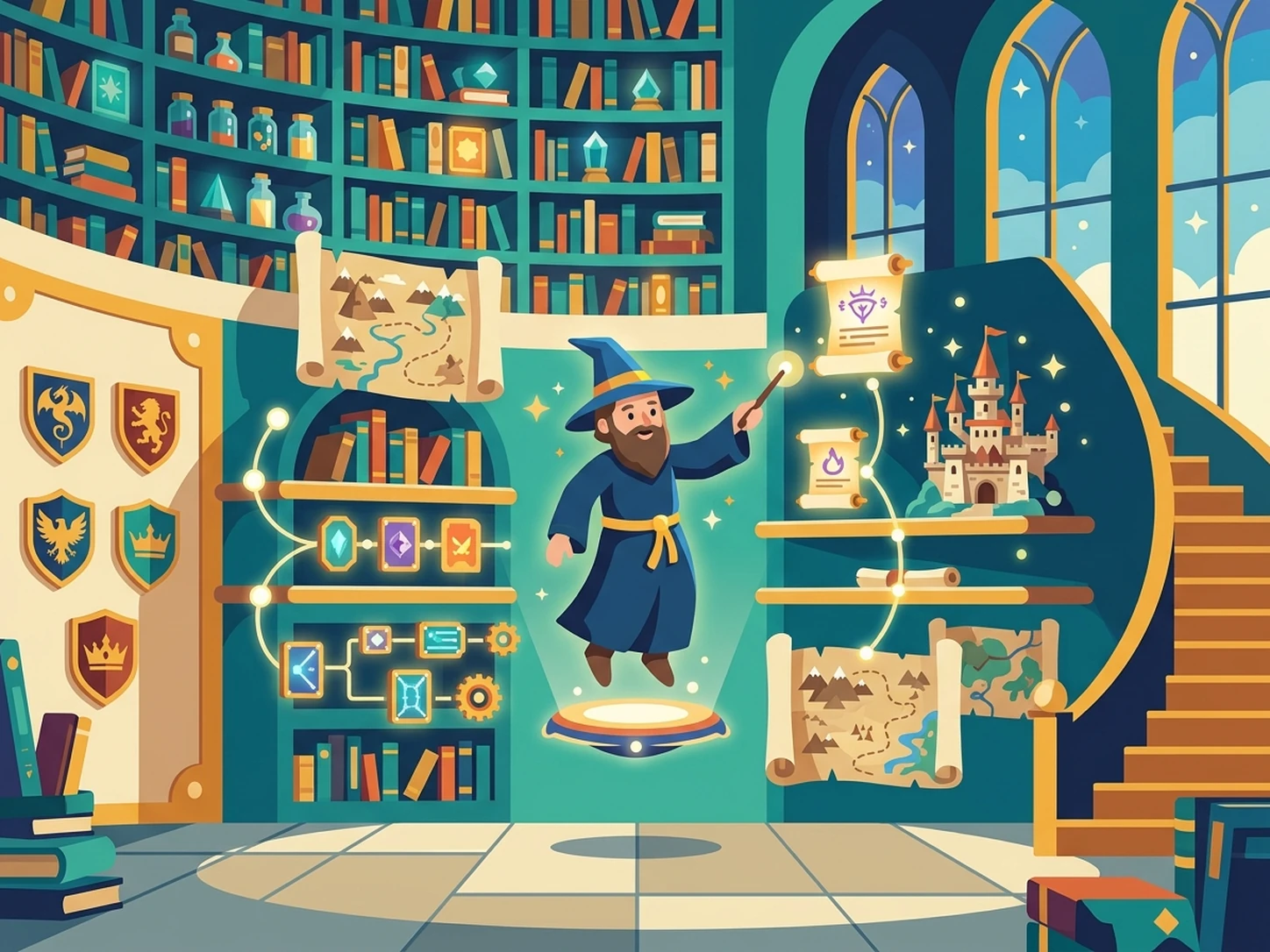
Fantasy Worlds
Fantasy roleplay frequently involves complex locations, factions, timelines, and lore documents that become difficult to track over long story arcs. iWeaver processes worldbuilding notes, webpages, images, and documents into organized knowledge, producing summaries, outlines, and reference materials for immersive scenarios.
Build Worlds
Story Continuation
Long-form roleplay conversations often accumulate extensive notes, transcripts, screenshots, and plot details that are difficult to revisit later. iWeaver extracts important events, character developments, and storyline milestones, then generates structured summaries and exports that help maintain narrative continuity.
Continue Stories
Creative Writing
Creative writers may work with dialogue drafts, scene outlines, research documents, and reference materials while developing interactive narratives. iWeaver reviews source content, identifies important story elements, and produces organized notes, outlines, and exportable resources for collaborative storytelling workflows.
Write StoriesUncensored AI Roleplay FAQ
Start Your Roleplay Workflow
Upload source materials and create organized roleplay assets with three free daily uses.
Start Creating