

pdf to note by iWeaver
Upload textbook PDFs, research papers, lecture slides, or reports and convert PDF to notes with structured output, key points, summaries, and outlines for exam prep, research reading, and review.
How to convert PDF to notes
Upload PDF
Add a textbook, research paper, lecture slides, or report so iWeaver can read the source content.
Generate Notes
iWeaver analyzes sections, definitions, and arguments, then organizes key points into structured notes, summaries, and outlines.
Review Export
Edit the generated notes, keep the most useful summary sections, and export study materials in your preferred format.
Why use iWeaver for pdf to notes?
Flexible Inputs
Upload textbook PDFs, research papers, lecture slides, and reports when you need one place to turn long reading into editable notes and review materials.
Section Analysis
iWeaver reads document structure, surfaces definitions, arguments, and supporting details, and groups them into sections that are easier to scan before class, revision, or follow-up reading.
Study Outputs
Generate structured notes, summaries, key points, and outlines from the same PDF, so one source document can support quick review and deeper study.
Editable Workspace
Keep working after generation by rewriting headings, trimming sections, and refining explanations, which helps turn raw PDF content into notes that match your course or project.
Export Options
Export finished notes as doc, pdf, xmind, svg, or markdown files, making it easier to share summaries, build study packs, or continue work elsewhere.
Use Cases for PDF to Notes

Exam Review
Students often work through textbook chapters and study guides that are dense, repetitive, and hard to turn into revision material before exams. iWeaver reads the PDF, organizes key points and definitions, and delivers structured notes, summaries, and outlines that are easier to review later.
Create Notes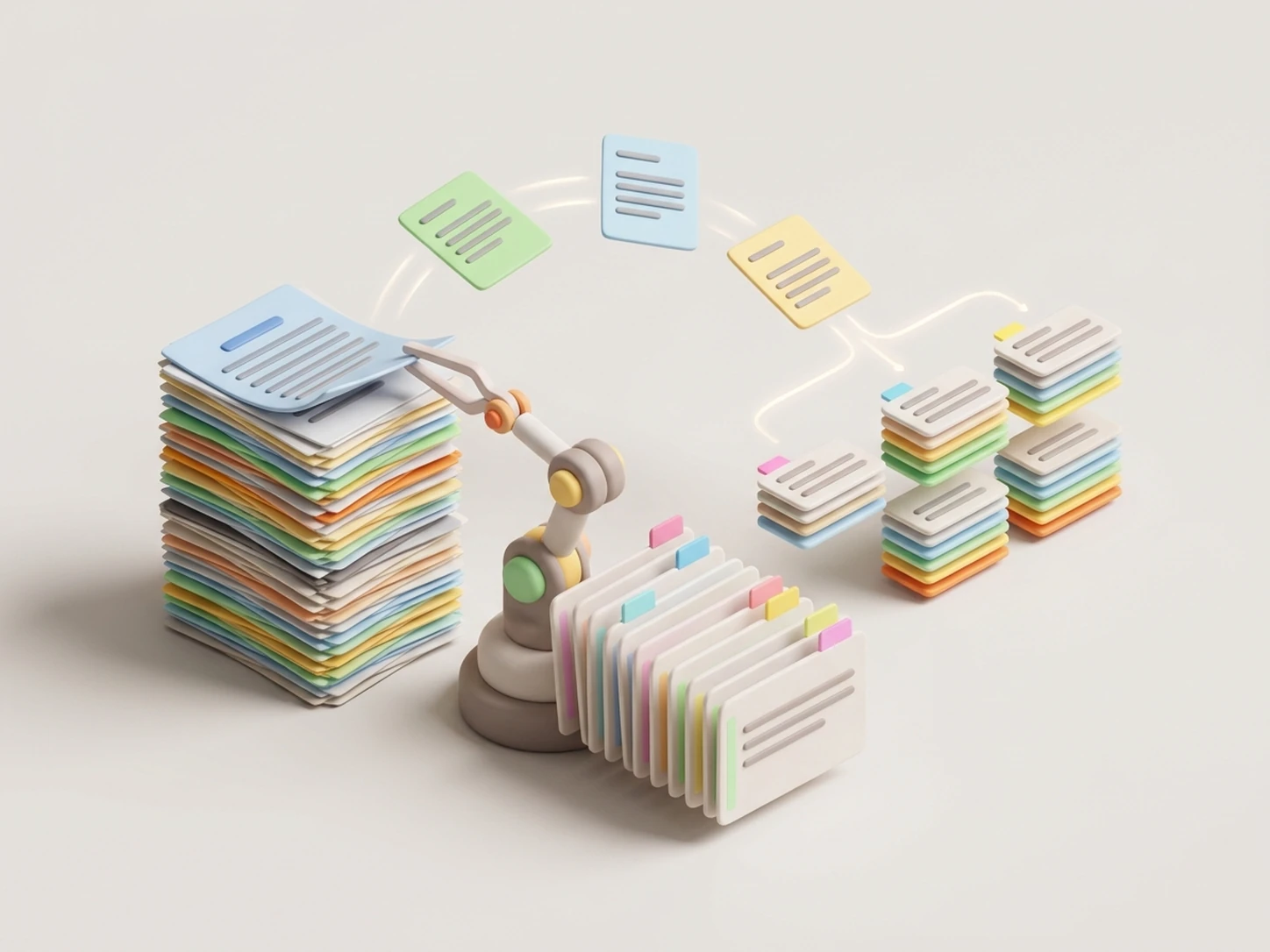
Paper Analysis
Researchers and graduate students need to read long paper PDFs, but the main findings, methods, and limitations can get buried across sections. iWeaver breaks the document into organized notes, extracts key points, and creates a concise summary and outline for reading, citation prep, or discussion.
Analyze Paper
Slide Notes
Lecture slides often contain short bullets, screenshots, and incomplete context, which makes them difficult to use as stand-alone course notes. iWeaver turns the PDF slides into structured notes with headings, supporting explanations, and key points, giving you clearer material for review sessions and assignments.
Convert Slides
Report Briefs
Teams reviewing reports, white papers, or proposal PDFs need to extract the main sections quickly without losing the supporting details behind decisions. iWeaver analyzes the document, builds an outline, highlights key points, and produces editable notes and exports for handoff, planning, or internal documentation.
Summarize ReportPDF to Notes FAQ
Start Your PDF Notes
Upload a PDF and generate structured notes, summaries, and outlines with 3 free uses daily.
Upload PDF Now