

AI plagiarism checker by iWeaver
Analyze documents, webpages, and text with an AI plagiarism checker to review similarities, create structured notes, key points, and export-ready outputs for research and content workflows.
How to Use AI Plagiarism Checker
Upload Content
Upload documents, paste text, or add sources that you want iWeaver to analyze for plagiarism review and content comparison.
Analyze Content
iWeaver processes submitted materials and identifies content patterns while creating structured analysis results for further review.
Review Results
Review generated notes, key points, and structured outputs, then export useful findings for your writing or study workflow.
Why Use AI Plagiarism Checker?
Content Inputs
Process text, documents, images, webpages, audio, and video content through one AI agent for flexible information analysis.
Content Understanding
Analyze complex materials with structured outputs that organize important details, key points, and review notes from submitted content.
Output Formats
Create organized results and export content insights in formats including doc, pdf, xmind, svg, and markdown.
Workflow Support
Handle different content review tasks across research, learning, and writing workflows with organized analysis and reusable outputs.
Knowledge Export
Turn analyzed information into structured files that support sharing, reviewing, and building personal knowledge collections.
Use Cases for AI Plagiarism Checker

Research Papers
Students and researchers review academic documents and source materials when checking originality concerns across complex written content. iWeaver analyzes uploaded files and creates structured notes, key points, and exportable results for further research review.
Review Papers
Content Writing
Writers examine articles, drafts, and webpage content when preparing original materials and organizing information from multiple references. iWeaver processes content inputs and delivers structured outputs, notes, and review materials for writing workflows.
Analyze Content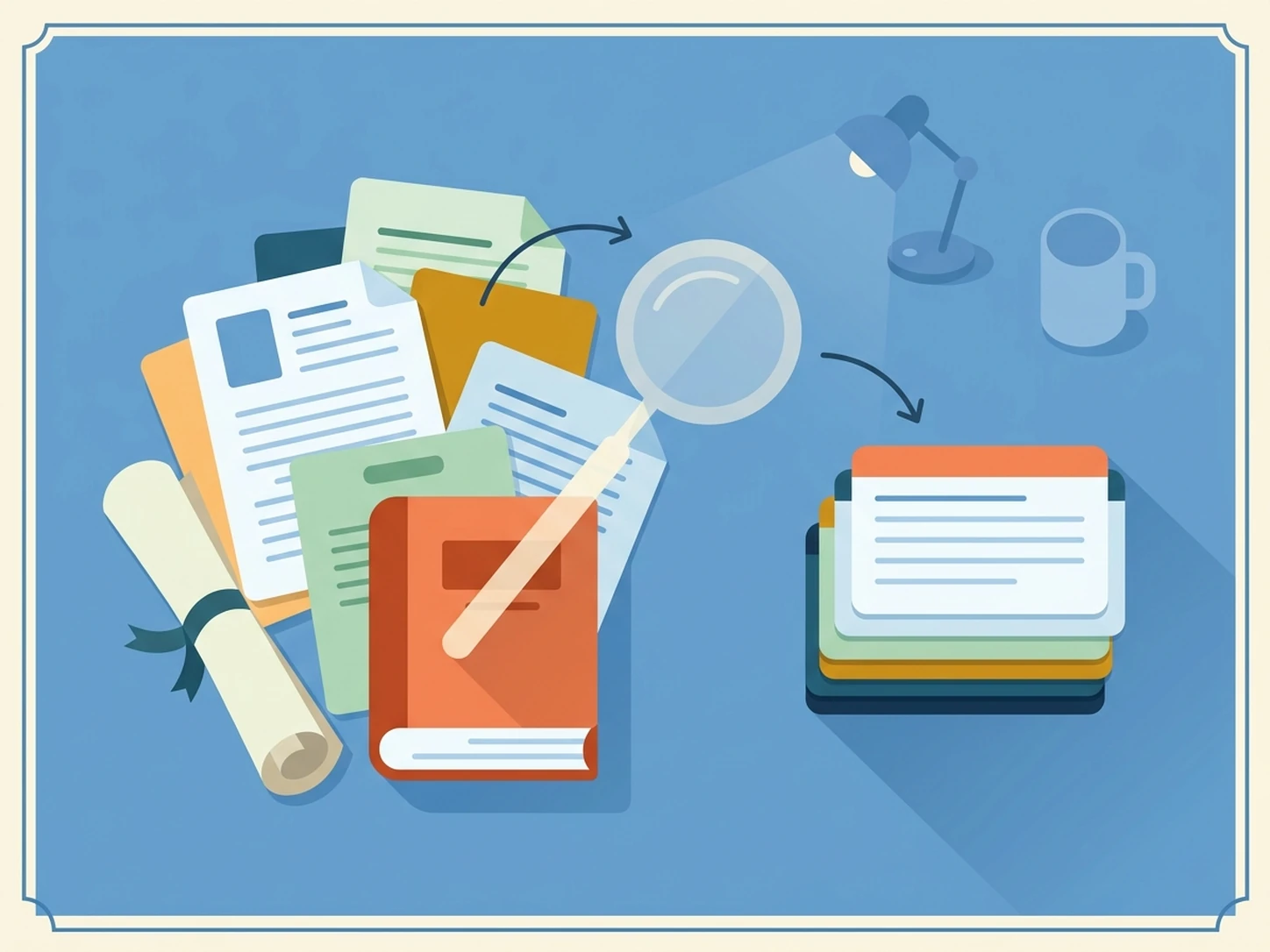
Lecture Materials
Learners review lecture documents, transcripts, and study resources when organizing large amounts of educational information. iWeaver analyzes these materials and provides summaries, key points, and structured notes that support studying and revision tasks.
Study Materials
Business Reports
Teams review reports, documents, and collected information when preparing internal analysis or knowledge resources. iWeaver processes business content and generates structured outputs, summaries, and export options for easier review and documentation.
Review ReportsFAQ Questions
Start Content Review
Begin reviewing content with iWeaver and use your 3 daily free opportunities for structured analysis.
Start Reviewing