

AI paraphrasing tool with iWeaver
Rewrite sentences, paragraphs, and documents with an AI paraphraser for essays while creating clearer outputs, structured notes, key points, and editable content.
How to Use AI Paraphrasing
Paste Text
Paste sentences, paragraphs, or documents into iWeaver for AI paraphrasing and prepare your content for rewriting.
Choose Mode
Select a style or tone, then let iWeaver analyze context and generate a clearer rewritten version.
Review Output
Review generated text, compare versions, and export structured results for emails, essays, articles, or reports.
Why Choose AI Paraphrasing?
Input Processing
Handle sentences, paragraphs, and documents with context-aware rewriting that adjusts wording while keeping the original message clear and editable across different formats.
Content Understanding
Analyze meaning, structure, and context before generating paraphrased text that fits your chosen writing style and intended audience needs with better alignment.
Output Formats
Create rewritten versions with options for fluency, readability, vocabulary changes, and different tones for various writing scenarios and flexible editing after generation.
Multiple Versions
Generate alternative expressions for text revisions, allowing users to compare outputs and select suitable versions for specific communication needs in daily workflows.
Export Options
Save structured outputs and continue editing with export formats including doc, pdf, xmind, svg, and markdown for knowledge workflows and content organization.
Use Cases for AI Paraphrasing

Academic Writing
Rewrite essays and research papers when academic wording feels repetitive or unclear. iWeaver analyzes existing text and provides improved paraphrased versions with clearer structure, stronger vocabulary, and editable outputs for further review. Students can review variations before using the final version in assignments or publications.
Rewrite Essays
Business Communication
Improve professional emails and reports when messages need a different tone or clearer expression. iWeaver processes your drafts and creates rewritten text with suitable phrasing, organized content, and outputs ready for workplace communication. Users can adjust messages before sending important business communications.
Rewrite Emails
Content Updates
Refresh articles and blog content when existing paragraphs need new expressions without changing the main ideas. iWeaver helps rewrite text and delivers readable versions with adjusted wording, improved flow, and structured results for editing. Creators can compare versions before publishing updated online materials.
Update Content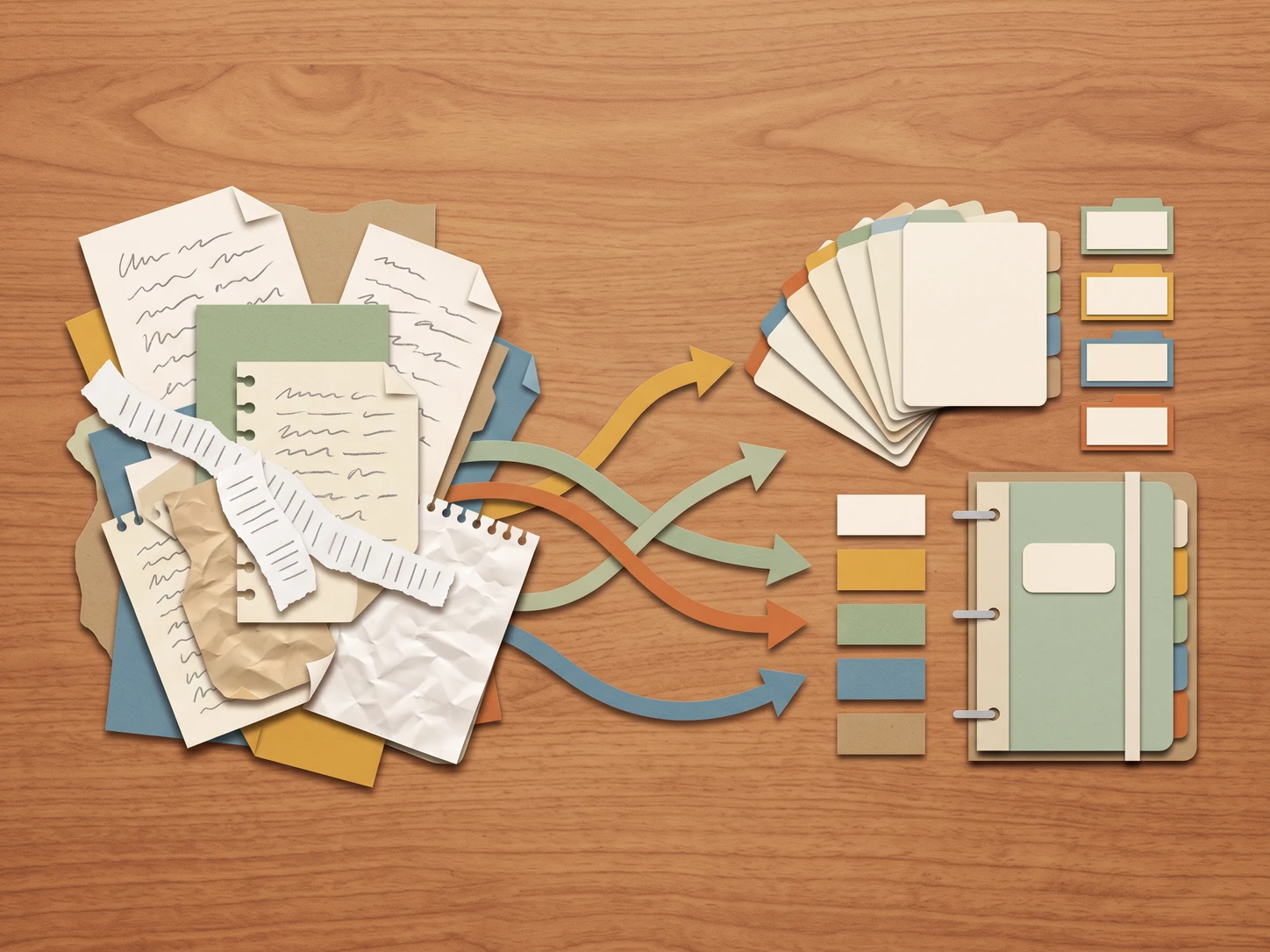
Study Materials
Handle lecture notes, transcripts, and study materials when information needs clearer organization. iWeaver processes uploaded content and creates paraphrased text, summaries, key points, and exportable formats for learning workflows. Researchers can organize complex information into more manageable study references with better readability.
Organize NotesFAQ Questions
Start Your Text Rewrite
Start paraphrasing text with iWeaver and use your daily free opportunities.
Paraphrase Text