

AI Dialogue Generator
Enter a scene, character names, tone, and context to generate natural dialogue drafts, structured output, and export-ready text for stories, scripts, NPC dialogue, and roleplay when character voices feel flat or blocked.
How to use an AI dialogue generator
Add Scene
Paste your scene, topic, or story setup, then add character names, relationships, tone, and preferred dialogue length.
Generate Dialogue
Let iWeaver process the prompt, distinguish character voices, and shape the conversation around mood, tension, and context.
Review Export
Review the dialogue draft, refine lines, then copy or export the result for scripts, game writing, or revisions.
Why use this AI dialogue generator?
Flexible Inputs
Start with a short scene note or a detailed setup. iWeaver can work from text, documents, images, webpages, audio, or video when dialogue context lives across sources.
Clear Voices
Character names, roles, and relationships can be reflected in the output, helping each speaker sound more distinct across arguments, interviews, confessions, and scene-based conversations.
Usable Output
Get dialogue drafts as copyable text or structured output you can review, edit, and reuse in a script, story scene, quest conversation, or roleplay workflow.
Version Testing
When one scene needs different emotional directions, iWeaver helps you iterate on tone, length, and phrasing without rewriting every exchange from scratch.
Export Options
Move finished dialogue into the next step with exports such as doc, pdf, xmind, svg, or markdown for drafting, review, sharing, and content organization.
Use Cases for AI Dialogue Generator

Scene Drafting
Writers often have a story scene, character notes, and a rough conflict, but the actual conversation sounds stiff or overly explanatory. iWeaver turns that setup into a dialogue draft with clearer voice, scene tension, structured output, and export-ready text for revision.
Draft Scene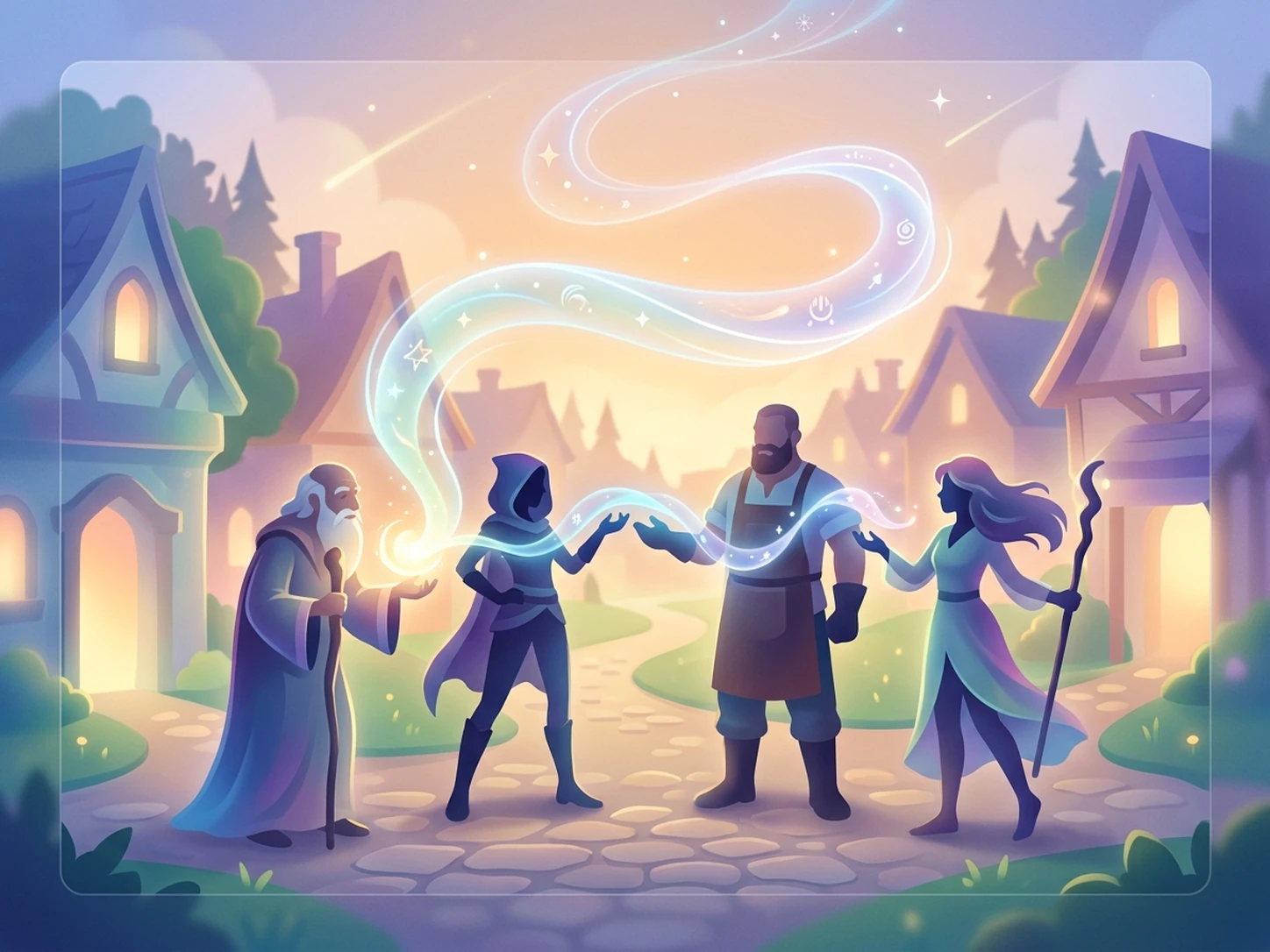
NPC Conversations
Game teams may have quest notes, lore documents, screenshots, and branching ideas, but need NPC dialogue that feels distinct and consistent. iWeaver processes those inputs into editable conversations, dialogue variations, and structured output for quest conversations, branching dialogue, and narrative review.
Build NPCs
Conflict Scenes
High-tension moments like arguments, interrogations, and confessions are hard to write because pacing, emotion, and character reactions all need balance. iWeaver uses your scene context to generate sharper exchanges, multiple dialogue directions, and copyable text you can refine for scripts or fiction.
Write Conflict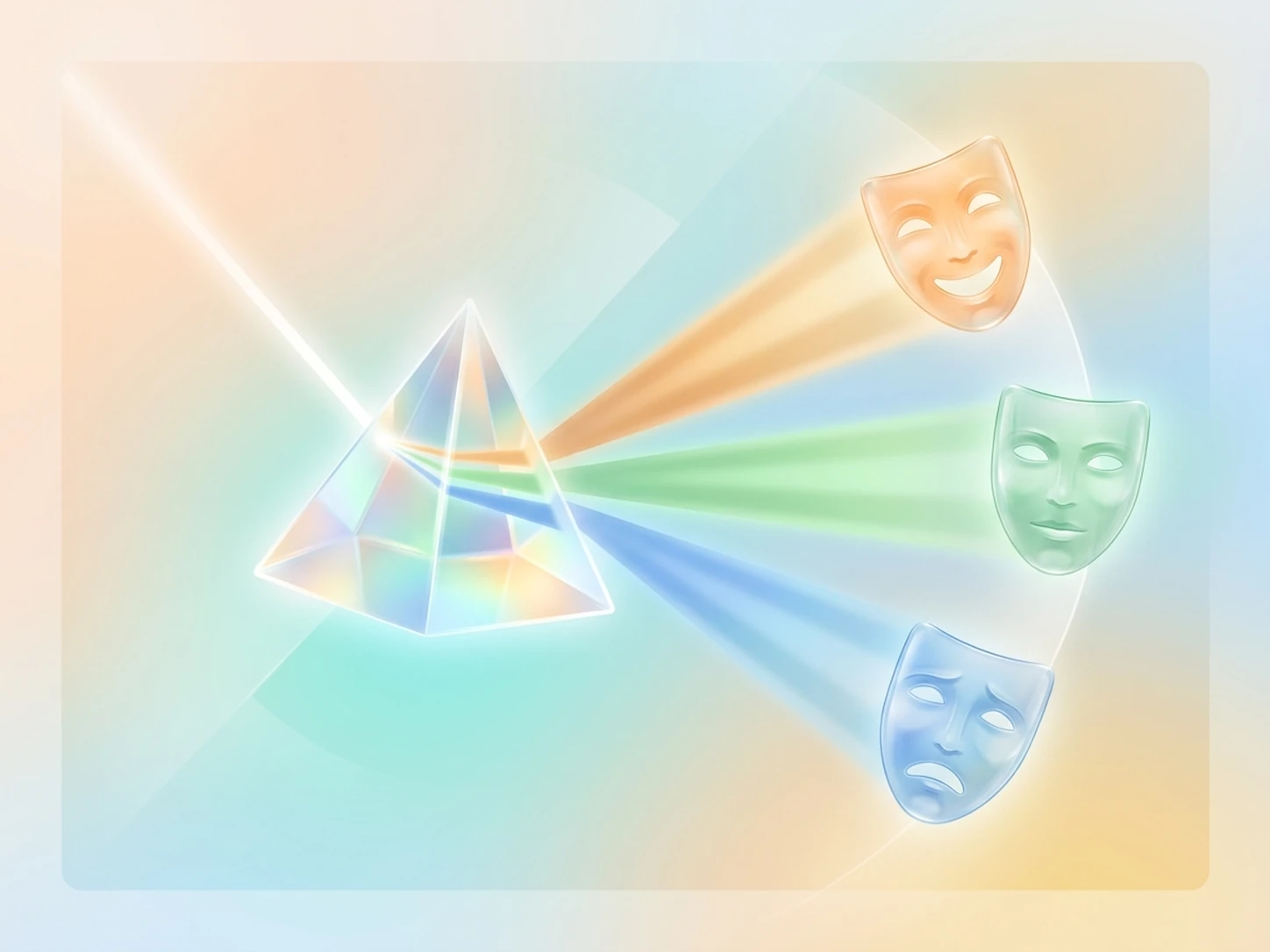
Version Comparison
Sometimes one setup needs several outcomes, such as a softer apology, a harsher confrontation, or a more formal interview dialogue. iWeaver helps reshape the same content into alternate versions, organized drafts, and exportable results so you can compare tone, voice, and scene direction.
Compare VersionsAI Dialogue Generator FAQ
Start Your First Dialogue
Add your scene and characters to generate a usable dialogue draft with 3 free daily uses.
Generate Dialogue